
Anúncios
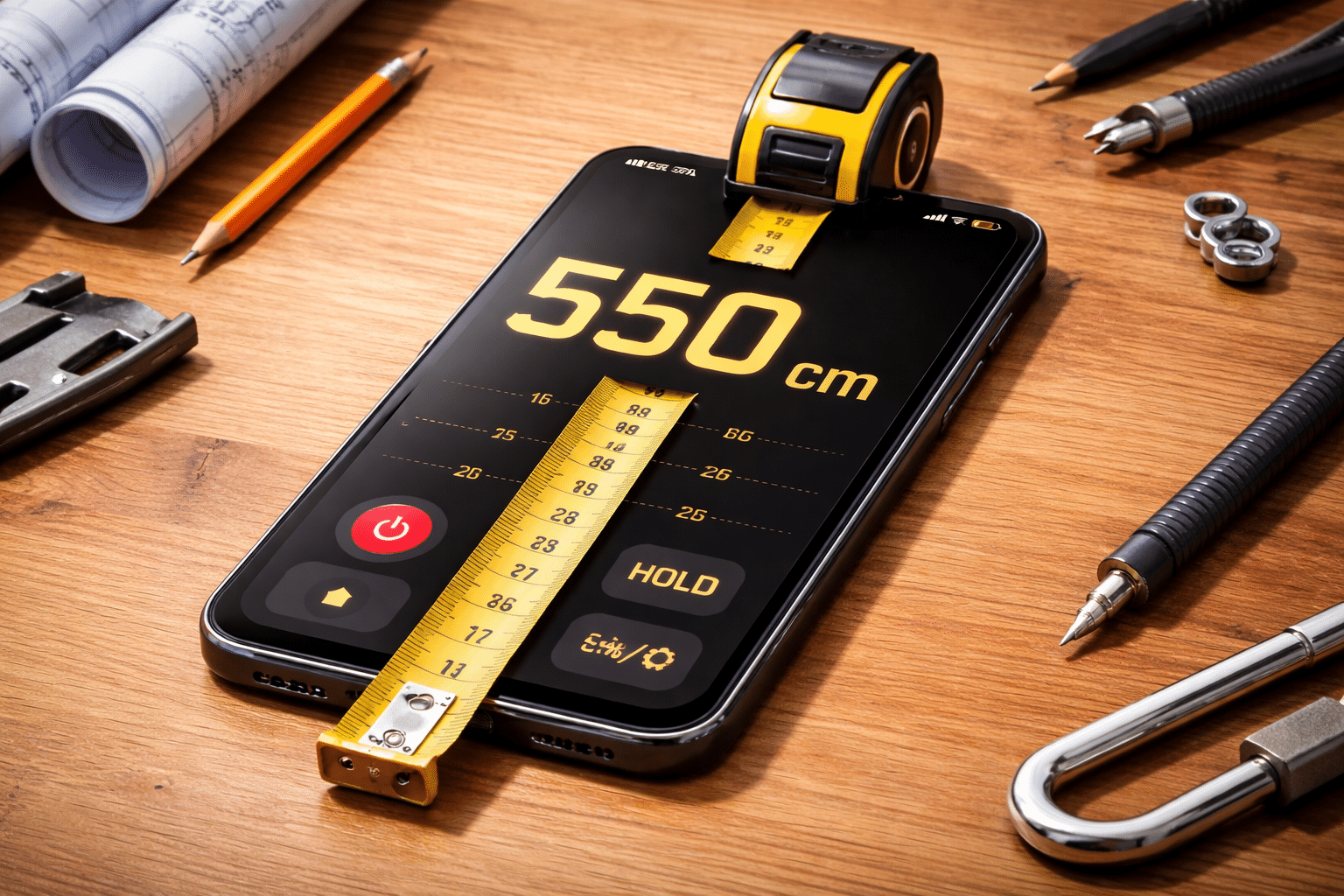
Need to measure something but don’t have a tape measure nearby? Your smartphone can become a surprisingly accurate measuring tool with just a few taps.


Gone are the days when you needed a toolbox full of measuring instruments for simple home projects. Modern smartphones come equipped with sensors and cameras that transform them into practical measuring devices, perfect for quick measurements around the house or office.
Anúncios
Whether you’re shopping for furniture, planning a home improvement project, or simply curious about dimensions, learning how to use your phone as a tape measure opens up a world of convenience. Let’s explore the simplest and most practical ways to turn your device into a reliable measuring companion. 📱
Why Your Smartphone Makes an Excellent Measuring Tool
Your phone already contains sophisticated technology that makes accurate measurements possible. The combination of high-resolution cameras, advanced processors, and augmented reality (AR) capabilities creates an ideal environment for digital measuring applications.
Anúncios
Modern devices use depth sensors and AR frameworks to calculate distances and dimensions with remarkable precision. What once required specialized equipment now fits comfortably in your pocket, ready to use whenever needed.
The convenience factor alone makes smartphone measuring apps invaluable. You always have your phone with you, which means you’ll never miss an opportunity to capture important measurements when inspiration strikes or necessity calls.
Understanding How Phone-Based Measuring Apps Work
These applications leverage augmented reality technology to overlay digital measurements onto real-world objects viewed through your camera. The process involves detecting surfaces, edges, and reference points to calculate accurate dimensions.
Your phone’s camera captures the environment while the app’s algorithms identify planes and surfaces. By establishing reference points, the software can determine distances between objects or measure the length and width of items in your view.
Most apps require you to move your phone slowly to help it map the space. This movement allows the sensors to gather depth information, creating a three-dimensional understanding of your surroundings that translates into reliable measurements.
Getting Started: Choosing the Right Measuring App 🎯
The market offers numerous measuring applications, each with unique features and capabilities. Selecting the right one depends on your specific needs and device compatibility.
For iPhone users, the built-in Measure app provides excellent functionality without requiring additional downloads. Android users have access to powerful alternatives like AR Ruler and various Google-supported options that deliver professional-grade results.
When evaluating apps, consider factors like user interface simplicity, measurement accuracy, available units (metric and imperial), and additional features such as area calculation or object detection. Reading user reviews helps identify which apps consistently deliver reliable performance.
Features to Look For in Quality Measuring Apps
The best measuring applications combine accuracy with user-friendly interfaces. Look for apps that offer calibration options, allowing you to fine-tune measurements for maximum precision.
Multiple measurement modes expand functionality beyond basic length measurements. Quality apps typically include options for measuring height, distance, angles, and even room dimensions, making them versatile tools for various projects.
Save and share features prove invaluable when working on collaborative projects or documenting measurements for future reference. The ability to annotate photos with measurements and export data in different formats adds professional-level utility to your smartphone measuring toolkit.
Step-by-Step Guide to Measuring with Your Phone
Starting your first measurement requires just a few simple steps. Open your chosen measuring app and grant necessary permissions for camera access, as the app needs visual input to function properly.
Begin by pointing your camera at the surface or object you want to measure. Move your phone slowly to help it detect the plane or surface. You’ll typically see visual indicators showing that the app has successfully identified the area.
Place your first measurement point by tapping the screen at the starting location. Then move your phone to the endpoint and tap again. The app instantly displays the distance between these two points, usually with an option to refine or adjust the measurement.

Tips for Achieving Maximum Accuracy
Lighting conditions significantly impact measurement accuracy. Ensure your measuring area is well-lit, avoiding harsh shadows or extremely bright spots that might confuse the app’s detection algorithms.
Hold your phone steady during measurements. Shaky movements can introduce errors, so take your time and use both hands when possible. Some apps offer stabilization features that compensate for minor movements.
For longer distances, measure in segments and add the results together. This approach often yields more accurate results than attempting single measurements over extended distances, as it reduces cumulative errors.
Practical Applications for Everyday Situations 🏠
Furniture shopping becomes stress-free when you can instantly measure spaces in your home. Before purchasing that new couch or bookshelf, verify dimensions against your available space to ensure a perfect fit.
Home improvement projects benefit enormously from quick measurements. Whether you’re hanging pictures, installing shelves, or planning renovations, your phone provides instant dimensional information without searching for physical measuring tools.
Real estate professionals and renters find smartphone measuring incredibly useful for documenting property dimensions. Create accurate floor plans or verify room sizes mentioned in listings with just your device and a measuring app.
Creative Uses Beyond Basic Measurements
Gardening enthusiasts can plan layouts by measuring planting areas and spacing requirements. Calculate how many plants fit in your garden bed or determine the dimensions needed for raised planters.
DIY enthusiasts and hobbyists appreciate the convenience for craft projects. Measure materials before cutting, verify dimensions for custom builds, or estimate fabric requirements for sewing projects with unprecedented ease.
Professional applications extend to contractors, interior designers, and architects who use these apps for preliminary measurements and client consultations. While not replacing professional surveying equipment, they provide excellent quick-reference tools.
Overcoming Common Challenges and Limitations
Understanding the limitations of smartphone measuring helps set realistic expectations. While remarkably accurate for most purposes, these apps aren’t substitutes for professional-grade equipment in critical applications requiring millimeter precision.
Reflective surfaces and transparent materials sometimes confuse AR-based measuring apps. Glass, mirrors, and highly polished surfaces may prevent proper plane detection, requiring alternative measuring approaches for these materials.
Distance limitations affect measurement accuracy. Most apps perform best within ranges of 10-15 feet. Beyond these distances, accuracy decreases, and measurements should be verified or broken into shorter segments.
Calibration Techniques for Better Results
Many apps include calibration features that improve accuracy. Measure a known distance, like a standard piece of paper (8.5 x 11 inches), and adjust app settings if discrepancies exist.
Environmental factors require consideration. Temperature extremes, excessive humidity, or outdoor conditions with varying light can affect sensor performance. When possible, measure in controlled indoor environments for consistent results.
Device positioning matters significantly. Keeping your phone parallel to the surface being measured generally produces better results than angled approaches. Practice different techniques to understand what works best for specific situations.
Comparing Phone Measurements with Traditional Tools 📏
Traditional tape measures still excel in certain scenarios, particularly for very precise carpentry or construction work where tolerances matter critically. However, for general household purposes, smartphone apps deliver surprisingly comparable accuracy.
Studies show that quality measuring apps achieve accuracy within 1-2% for distances under 10 feet when used properly. This level of precision suffices for most non-professional applications, from furniture arrangement to basic home projects.
The convenience factor often outweighs minor accuracy differences. Having instant access to measuring capabilities without carrying additional tools provides practical advantages that traditional methods can’t match.
Advanced Features Worth Exploring
Many measuring apps include area and volume calculation features. Measure multiple sides of a room, and the app automatically calculates square footage, incredibly useful for flooring, painting, or carpet installation projects.
Object recognition technology in advanced apps can identify standard items and provide dimensions automatically. Point your camera at furniture pieces, and the app estimates measurements based on its database of common objects.
3D room scanning capabilities transform your phone into a powerful spatial mapping tool. Create complete digital models of rooms for renovation planning, virtual staging, or sharing with contractors and designers.
Integration with Other Tools and Software
Modern measuring apps often export data to CAD software, spreadsheets, or project management tools. This integration streamlines workflows for professionals who need to incorporate measurements into larger projects.
Cloud synchronization features ensure measurements remain accessible across devices. Start measuring on your phone and access the data later on your tablet or computer for detailed planning and analysis.
Augmented reality visualization takes functionality further by allowing you to place virtual furniture in measured spaces. See how that new sofa fits in your living room before making a purchase decision.
Maintaining Measurement History and Organization 📊
Developing a system for organizing saved measurements prevents confusion on complex projects. Most apps allow naming measurements and attaching notes, creating a searchable database of dimensional information.
Photo documentation alongside measurements provides context. Capture images of measured items with dimensions overlaid, creating visual references that prove invaluable when shopping or discussing projects with others.
Regular backups protect valuable measurement data. Whether through cloud services or local exports, preserving this information ensures you won’t lose important dimensions collected over time.
Privacy and Permissions Considerations 🔒
Understanding what permissions measuring apps require helps make informed decisions about privacy. Camera access is essential, but be cautious with apps requesting unnecessary permissions like contacts or location data unrelated to measuring functions.
Review app privacy policies before installation, especially when measuring in sensitive locations or documenting proprietary spaces. Ensure measurement data isn’t shared with third parties without your explicit consent.
Some apps operate entirely offline after initial download, providing added security for confidential projects. This feature particularly benefits professionals working in environments where data security is paramount.
Troubleshooting Common Issues
When measurements seem inaccurate, first check lighting conditions and ensure surfaces are clearly visible. Poor visibility represents the most common cause of measurement errors in AR-based applications.
App crashes or failure to detect surfaces often result from outdated software. Keep your phone’s operating system and measuring apps updated to benefit from performance improvements and bug fixes.
If persistent accuracy issues occur, try recalibrating the app or reinstalling it completely. Sometimes clearing cache data or starting fresh resolves underlying technical problems affecting measurement quality.
Making the Most of Your Digital Tape Measure ✨
Practice with your measuring app on known objects before relying on it for important projects. Familiarity with the interface and understanding its behavior in different conditions builds confidence and improves results.
Experiment with different apps to find your preferred option. Each application offers unique interfaces and features, and personal preference plays a significant role in determining which tool works best for your specific needs.
Share your discoveries with friends and family. Many people remain unaware of their phone’s measuring capabilities, and introducing others to this practical functionality spreads knowledge about useful technology already in their pockets.
Future Developments in Smartphone Measuring Technology
Upcoming phone models promise enhanced sensors specifically designed for improved measuring accuracy. LiDAR technology, already present in high-end devices, will likely become standard across more models, dramatically improving measurement precision.
Artificial intelligence integration will enable smarter object recognition and automatic measurement suggestions. Future apps may identify items and provide measurements without manual input, streamlining the entire process.
Cross-platform compatibility improvements will make sharing measurements between different devices and operating systems seamless. Universal standards for measurement data exchange will benefit professionals and casual users alike.
Embracing Digital Convenience Without Abandoning Traditional Tools
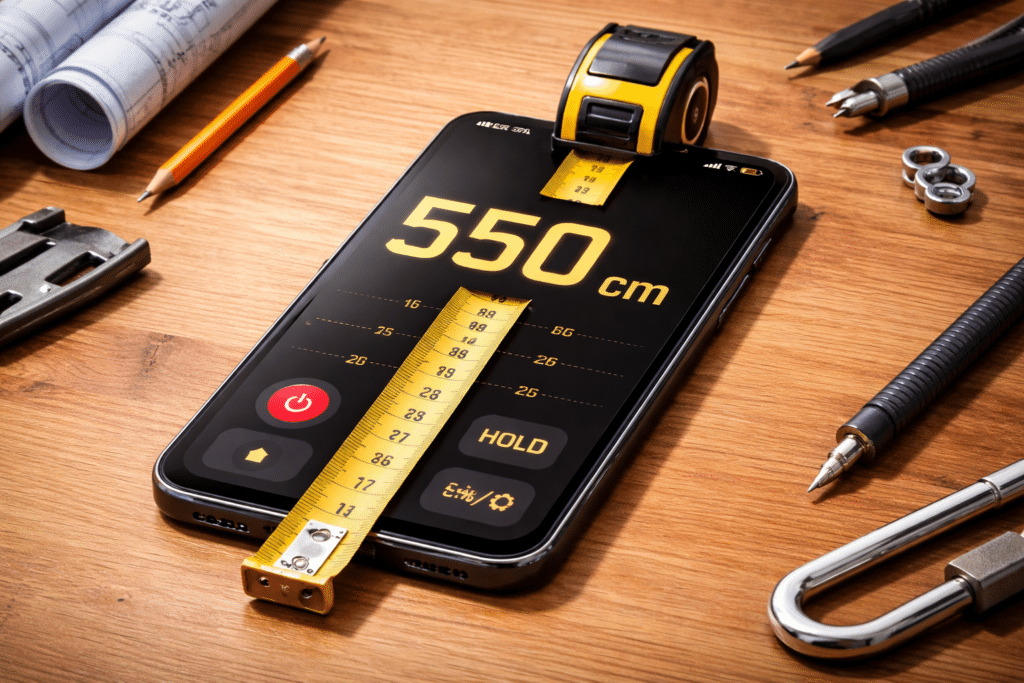
The goal isn’t replacing all traditional measuring tools but rather complementing them with digital convenience. Keep a physical tape measure for critical measurements while enjoying smartphone capabilities for quick, everyday needs.
Understanding when to use each tool demonstrates practical wisdom. Professional installations warrant traditional precision tools, while furniture shopping or quick home projects benefit perfectly from smartphone measurements.
Your phone has transformed into a surprisingly capable measuring instrument, ready to assist whenever dimensional information is needed. By understanding its capabilities and limitations, you unlock practical functionality that simplifies countless everyday situations. The combination of always-available access, intuitive interfaces, and sufficient accuracy for most purposes makes smartphone measuring apps an indispensable addition to your digital toolkit. 🎉
