
Anúncios
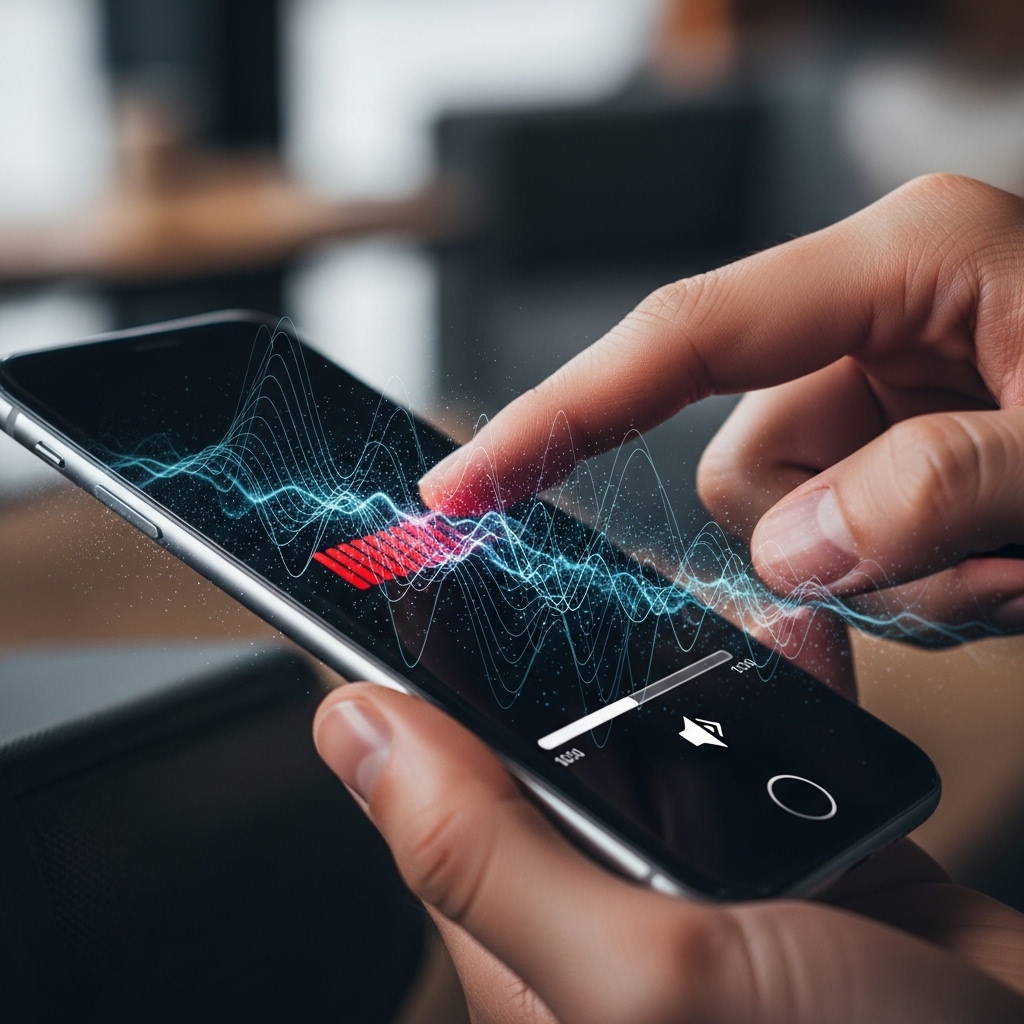
Have you ever felt like your phone just isn’t loud enough? You’re not alone—many smartphones hide a secret volume level that goes far beyond what’s visible on your screen.


Most people go through their daily routines thinking they’ve maxed out their device’s audio capabilities. They crank the volume slider all the way up, only to find themselves straining to hear music, podcasts, or phone calls in noisy environments. The frustration is real, especially when you’re trying to watch a video outdoors or share music with friends.
Anúncios
But here’s the surprising truth: smartphone manufacturers often limit the default maximum volume for various reasons, including speaker protection and hearing safety regulations. What appears as “maximum” on your screen might actually be just 70-80% of what your device can truly deliver. This hidden potential exists across both Android and iOS devices, waiting to be unlocked by those who know where to look.
🔊 Why Manufacturers Hide the True Volume Potential
Understanding why your phone’s volume is artificially limited requires looking at the bigger picture of device design and legal requirements. Manufacturers face a delicate balancing act between delivering powerful audio and protecting both their hardware and your hearing.
Anúncios
European Union regulations, for instance, mandate volume restrictions to prevent hearing damage from prolonged exposure to loud sounds. Similar guidelines exist in other regions worldwide. Phone makers must comply with these standards to sell their products globally, which means implementing software-based volume caps that keep audio levels within legally acceptable ranges.
Beyond regulations, there’s also the matter of speaker longevity. Pushing tiny smartphone speakers to their absolute limits can cause distortion, reduce their lifespan, or even cause permanent damage. By setting conservative volume limits, manufacturers protect their hardware from warranty claims and extend the overall life of their devices.
📱 The Hidden Volume Settings in Android Devices
Android phones contain several layers of volume control that most users never discover. The standard volume rocker on the side of your phone adjusts what’s known as the “media volume,” but this represents only the surface level of audio control available on your device.
Deep within Android’s developer options and system settings lie additional audio configurations that can significantly boost your phone’s output. These settings were originally intended for testing purposes or advanced users, but they’re accessible to anyone willing to explore their device’s capabilities.
Accessing Developer Options
The first step to unlocking hidden volume features involves enabling Developer Options on your Android device. Navigate to Settings, find “About Phone,” and tap the Build Number seven times consecutively. This action reveals a new menu section that contains advanced system controls.
Within Developer Options, look for audio-related settings such as “Disable absolute volume” or “Audio codec” configurations. While these aren’t direct volume boosters, they can improve audio quality and allow for better control over Bluetooth and wired audio output levels.
Engineering Mode Access
Some Android devices, particularly those from manufacturers like Samsung, Xiaomi, and OnePlus, include an engineering mode accessible through secret dialer codes. Entering specific number combinations into your phone app can open hidden menus with advanced audio controls.
These engineering modes often contain audio calibration tools that let you adjust speaker output beyond normal limits. However, proceed with caution—these settings exist outside normal user interfaces for good reason, and extreme adjustments can damage your speakers permanently.
🍎 Discovering Extra Volume on iPhone Devices
Apple takes a more restrictive approach to audio controls, but iPhones still contain hidden volume capabilities that exceed what most users experience. The iOS operating system includes several accessibility features and settings that can enhance audio output significantly.
Unlike Android’s more open architecture, iOS doesn’t provide direct access to low-level audio hardware controls. Instead, Apple embeds volume-enhancing capabilities within legitimate system features designed for users with hearing impairments or specific accessibility needs.
Late Night EQ Settings
One of the most effective hidden volume boosters on iPhone involves the EQ (equalizer) settings buried within the Music app preferences. Navigate to Settings, tap Music, then select EQ. Among the various presets, you’ll find one called “Late Night.”
The Late Night EQ doesn’t just make things louder—it compresses the dynamic range of audio, bringing quieter sounds up while preventing peaks from clipping. This creates a perceived volume increase of 20-30% without actually exceeding hardware limits, making it perfect for listening in noisy environments.
Accessibility Audio Features
Apple’s commitment to accessibility has inadvertently created powerful volume-boosting tools. In Settings under Accessibility, you’ll find Audio/Visual options that include headphone accommodations and mono audio settings. These features can significantly enhance perceived loudness and audio clarity.
The “Headphone Accommodations” feature, in particular, includes amplification options designed for users with mild hearing loss. When enabled, these settings can boost audio output for both headphones and the device’s internal speakers, pushing volume beyond standard maximum levels.

🎵 Volume Booster Apps: Do They Really Work?
The app stores are flooded with volume booster applications promising to unlock your phone’s hidden audio potential. Some deliver on their promises, while others are little more than placebo effects with aggressive advertising. Understanding how these apps work helps you separate the legitimate tools from the gimmicks.
Genuine volume booster apps work by manipulating audio streams at the software level before they reach your device’s speakers. They apply digital amplification, compression, and equalization to increase perceived loudness without necessarily pushing hardware beyond safe limits.
The most effective volume boosters use sophisticated audio processing algorithms that analyze incoming sound in real-time. They identify quiet passages and amplify them more aggressively while preventing louder sections from distorting. This creates a fuller, more consistent audio experience that sounds significantly louder than default settings.
Top Features to Look For
When evaluating volume booster applications, prioritize those offering granular control over different audio frequencies. Apps with built-in equalizers allow you to boost specific ranges—like vocals or bass—without creating distortion in other areas.
Look for applications that include safety features such as automatic volume limiting after extended use or warnings when volume levels might damage speakers. Reputable developers understand the risks of excessive amplification and build protections into their software.
User reviews provide valuable insights into an app’s actual effectiveness. Pay attention to comments from users with your specific phone model, as volume boosting capabilities can vary significantly between different hardware configurations.
⚠️ The Risks of Pushing Volume Too Far
While unlocking your phone’s secret volume levels can be incredibly useful, it’s crucial to understand the potential downsides. Both your hearing and your device’s hardware face real risks when audio levels exceed manufacturer recommendations.
Prolonged exposure to sounds above 85 decibels can cause permanent hearing damage. When you bypass your phone’s built-in volume limits, you might inadvertently push audio levels into dangerous territory, especially when using headphones or earbuds that direct sound straight into your ear canals.
Speaker Damage and Distortion
Smartphone speakers are precisely engineered to operate within specific parameters. When you force them beyond these limits, the tiny components can overheat, the speaker cone can become misaligned, or the voice coil can be permanently damaged. These failures often manifest as buzzing, rattling, or complete audio loss.
Distortion represents another common problem with excessive volume boosting. When speakers can’t physically reproduce the amplified signal, the result is harsh, unpleasant audio that defeats the purpose of increasing volume in the first place. Digital clipping creates artifacts that make music and speech harder to understand, not easier.
Battery Drain Considerations
Powering speakers at maximum output requires significantly more energy than normal listening levels. Users who consistently operate their devices at boosted volumes often notice accelerated battery drain, sometimes reducing overall battery life by 20-30% compared to standard usage patterns.
🛠️ Safe Methods to Maximize Your Phone’s Audio
Achieving louder audio doesn’t always require risky workarounds or potentially damaging volume levels. Several safe, manufacturer-approved methods can enhance your listening experience without compromising your device or your hearing.
Physical phone positioning makes a surprising difference in perceived volume. Smartphone speakers typically fire from the bottom or back of the device, meaning their output can be blocked by surfaces or your hand. Placing your phone in a bowl or cup creates an acoustic amplifier that can double perceived volume without any software modifications.
External Speaker Solutions
Portable Bluetooth speakers have become incredibly affordable and offer dramatically superior audio compared to phone speakers. Even compact models deliver clearer, louder sound while preserving your phone’s battery and speakers. Many modern options are waterproof and rugged enough for outdoor use.
For personal listening, investing in quality headphones or earbuds provides better audio quality and volume than any phone speaker can achieve. Modern wireless options offer convenience comparable to using phone speakers while delivering immersive sound that makes volume boosting unnecessary.
🔧 Device-Specific Volume Tricks
Different smartphone manufacturers implement unique audio systems that respond to specific optimization techniques. What works on a Samsung device might not apply to a Google Pixel, and iPhone tricks don’t translate to Android at all.
Samsung Galaxy Hidden Features
Samsung devices include several proprietary audio enhancements through their Adapt Sound feature. This system runs you through a hearing test and creates a personalized audio profile that optimizes volume and clarity specifically for your ears. Access it through Settings > Sounds and Vibration > Sound Quality and Effects.
Galaxy phones also support Dolby Atmos audio processing, which can significantly enhance perceived volume and spatial audio quality. Enabling this feature in the same Sound Quality menu creates a fuller, more immersive listening experience that sounds louder even at the same numeric volume level.
Google Pixel Audio Enhancements
Pixel devices leverage Google’s machine learning capabilities for audio processing. The Adaptive Sound feature automatically adjusts audio output based on your environment, boosting volume in noisy settings and reducing it in quiet spaces. This intelligent system often provides the extra volume you need without manual intervention.
Pixel phones also include Now Playing identification and audio tuning that can be optimized through developer options. Disabling absolute volume control for Bluetooth devices, in particular, can unlock additional volume levels for wireless headphones and speakers.
🎧 Optimizing Audio for Different Scenarios
The ideal volume settings vary dramatically depending on how you’re using your phone. Understanding context-appropriate audio optimization helps you get the best experience without unnecessary risks.
For media consumption like videos and music, focus on audio quality over pure volume. A well-balanced EQ setting often sounds louder and more pleasant than maxed-out volume with distortion. Bass frequencies in particular should be carefully managed, as excessive low-end can mask vocals and other important audio elements.
Phone Call Volume Improvements
Voice calls often benefit from different optimization than media playback. Most phones include separate volume controls for calls, and many offer call audio enhancements in accessibility settings. These features can boost voice frequencies while filtering background noise, making conversations clearer even at moderate volumes.
If call volume remains insufficient after adjusting all available settings, the issue might be hardware-related rather than software. Clogged speaker grilles accumulate dust and debris over time, physically blocking sound output. Gently cleaning these openings with a soft brush can restore lost volume without any software changes.
💡 Future of Smartphone Audio Technology
Smartphone audio technology continues evolving rapidly, with manufacturers exploring innovative solutions to deliver louder, clearer sound from increasingly thin devices. Understanding upcoming trends helps contextualize current limitations and hidden capabilities.
Bone conduction technology represents one promising frontier, transmitting sound through vibrations rather than traditional speakers. Some manufacturers are experimenting with using entire phone screens as speakers, dramatically increasing output area and potential volume without requiring dedicated speaker components.
Computational audio processing powered by AI is becoming increasingly sophisticated. Future phones may automatically optimize audio output based on content type, environmental noise, and even individual hearing profiles, making manual volume boosting obsolete.
📊 Comparing Volume Across Popular Phone Models
Not all smartphones are created equal when it comes to audio capabilities. Understanding how different models compare helps set realistic expectations and informs purchasing decisions for users who prioritize audio performance.
Independent testing consistently shows that phones marketed for media consumption typically include more powerful speakers with less restrictive volume limits. Gaming phones and multimedia-focused devices often achieve 5-10 decibels higher maximum output compared to standard smartphones.
Stereo speaker configurations, where audio fires from both the top and bottom of the device, create a significantly more immersive and louder experience than single speaker designs. This architectural difference often matters more than software tweaks or volume boosting apps.
🎯 Making the Most of Your Discovery
Now that you understand your phone’s hidden volume potential, using this knowledge responsibly ensures you enjoy enhanced audio without negative consequences. Start by testing different methods gradually rather than immediately maxing out every available setting.
Document which combinations of settings work best for your specific device and use cases. Your optimal configuration for watching videos outdoors might differ significantly from what works best for phone calls or music listening with headphones.
Remember that louder doesn’t always mean better. The goal should be achieving comfortable, clear audio appropriate for your environment, not simply reaching the highest possible decibel level. Your ears and your phone’s speakers will thank you for exercising moderation.
Share your discoveries with friends who face similar audio frustrations, but always include appropriate warnings about potential risks. The secret volume capabilities built into smartphones represent powerful tools that deliver the best results when used with understanding and care.
