
Anúncios
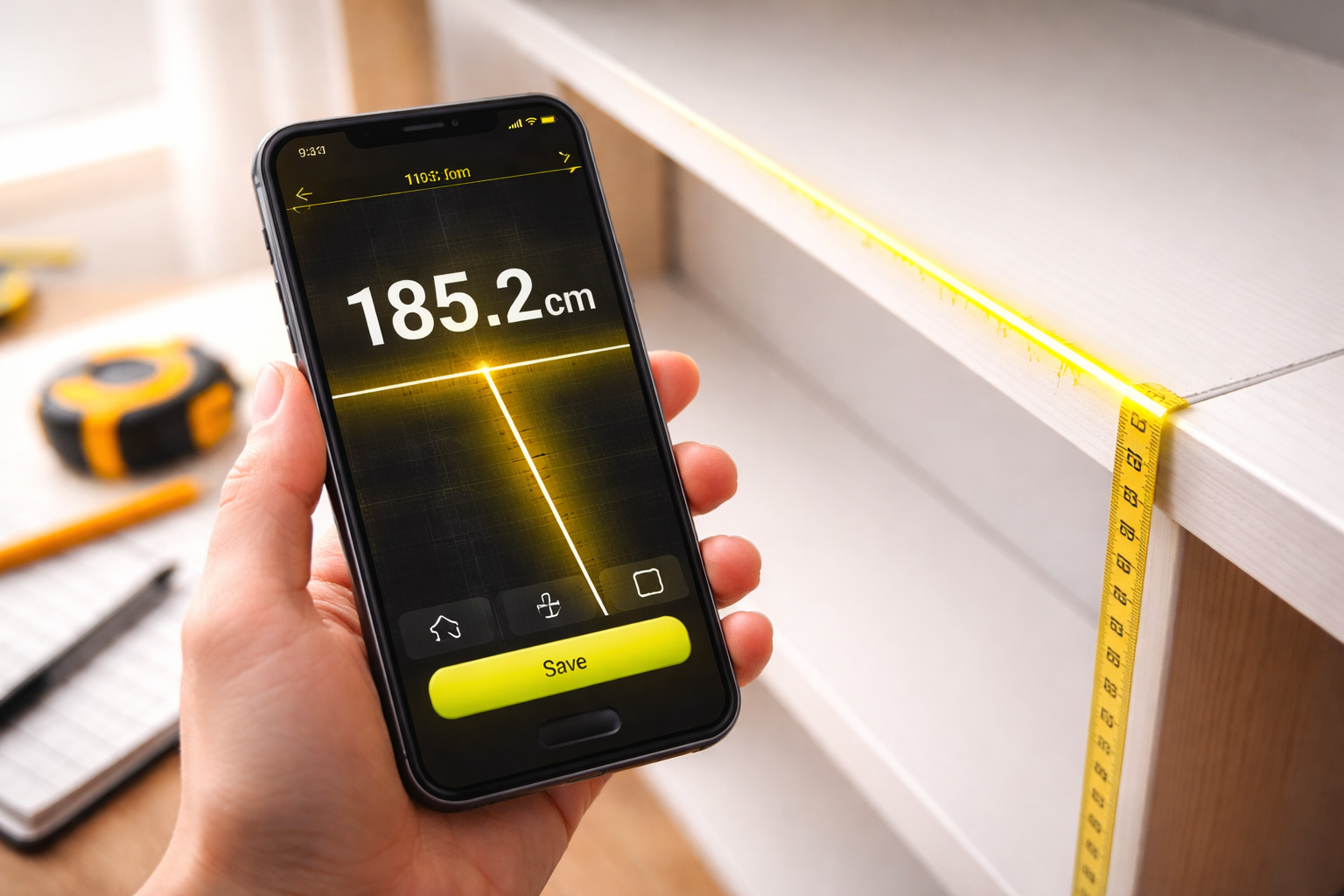
Imagine measuring any distance, object, or space around you using only your smartphone—no tape measure, no ruler, just your device and a smart app.
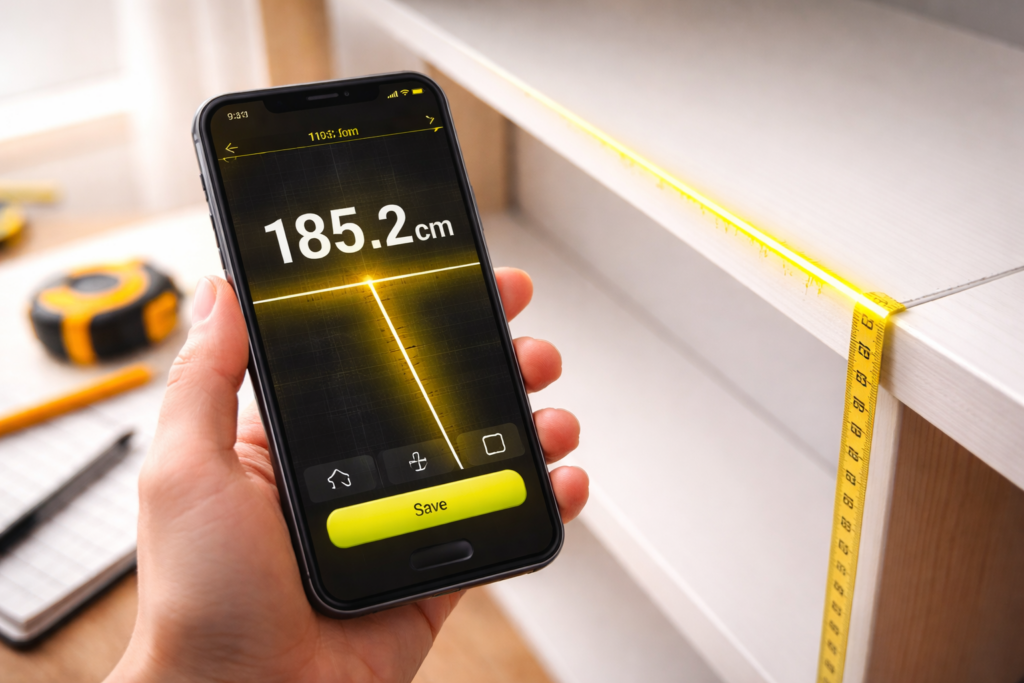


Digital tape measure apps have revolutionized how we approach everyday measuring tasks. Whether you’re planning furniture placement, checking room dimensions, or estimating heights and distances outdoors, these intelligent tools transform your smartphone camera into a precision measuring device. Gone are the days of carrying bulky measuring tapes or struggling with awkward angles—technology has made it simpler than ever.
Anúncios
The beauty of digital measuring apps lies in their accessibility and versatility. They use augmented reality (AR) technology combined with your phone’s sensors to calculate distances with impressive accuracy. From home improvement projects to professional construction work, these apps serve countless purposes while fitting right in your pocket. Let’s explore how this technology works and why it’s becoming an essential tool for millions of users worldwide. 📱
How Digital Tape Measure Apps Actually Work
Digital measuring applications leverage sophisticated technology built into modern smartphones. The primary method involves augmented reality paired with your device’s camera, gyroscope, and accelerometer sensors. When you point your camera at an object or surface, the app creates a virtual overlay that calculates distances based on perspective, angles, and reference points.
Anúncios
Most apps require you to calibrate by identifying a starting point—typically a floor or flat surface. The software then tracks movement through space using motion sensors. As you move your phone, it maps the environment in three dimensions, allowing you to mark endpoints and measure between them. Advanced algorithms process this data in real-time, delivering measurements in various units including meters, feet, inches, and centimeters.
Some applications utilize LiDAR technology, which is available on newer smartphone models. LiDAR (Light Detection and Ranging) sends out laser pulses that bounce off objects and return to the sensor. By calculating the time it takes for light to return, the device determines exact distances with remarkable precision—often within millimeter accuracy. This technology significantly enhances measurement reliability, especially for professional applications.
Practical Uses That Make Life Easier 🏠
Digital measuring tools have found their way into countless everyday situations. Homeowners use them when shopping for furniture to ensure pieces will fit through doorways and into designated spaces. Instead of returning oversized couches or cabinets, you can verify dimensions before purchasing, saving time and frustration.
Interior designers and decorators rely on these apps for quick room assessments. Measuring wall lengths, ceiling heights, and floor areas becomes effortless, allowing professionals to create accurate floor plans and design proposals on-site. The ability to take instant measurements during client consultations streamlines the creative process considerably.
Real estate agents benefit enormously from digital measuring apps. When listing properties, accurate room dimensions are essential. Rather than scheduling separate appointments with professional measurers, agents can quickly capture all necessary measurements themselves, creating detailed property listings with verified square footage information.
DIY enthusiasts find these apps invaluable for home improvement projects. Whether installing shelving, planning garden layouts, or calculating material quantities, having instant measurement capability accelerates project planning. You can determine how much paint, flooring, or lumber you need without multiple trips to the hardware store.
Accuracy Levels You Can Expect
The precision of digital measuring apps varies based on several factors. Standard AR-based applications typically deliver accuracy within 1-2% for distances up to 10 meters. This level of precision works perfectly for most household tasks like furniture placement, room sizing, and general estimation work.
Environmental conditions affect accuracy significantly. Good lighting conditions improve measurement reliability, while dim or inconsistent lighting can introduce errors. Similarly, the quality of your smartphone’s camera and sensors directly impacts results—newer flagship devices with advanced camera systems perform noticeably better than budget models.
LiDAR-equipped devices achieve substantially higher accuracy, often within 1-2 millimeters over moderate distances. This professional-grade precision makes them suitable for construction, architecture, and engineering applications where exact measurements are critical. However, even LiDAR can experience minor variations when measuring reflective surfaces or in extreme lighting conditions.
User technique also plays an important role. Holding your phone steady, properly calibrating the app, and carefully marking measurement points all contribute to better results. With practice, most users develop a feel for optimal measuring techniques that maximize accuracy within their app’s capabilities.

Key Features That Define Quality Apps
The best digital tape measure applications offer multiple measurement modes. Beyond simple point-to-point distance calculation, they provide area measurement for floors and walls, volume calculation for three-dimensional spaces, and height measurement for vertical objects. This versatility eliminates the need for multiple specialized tools.
Screenshot and annotation capabilities enhance usability dramatically. Being able to capture measurements directly on photos creates visual records that you can reference later or share with contractors, designers, or family members. Some apps allow you to add notes, dimensions, and labels directly onto saved images, creating professional-looking documentation.
Unit conversion functionality saves considerable time. Quality apps let you switch between metric and imperial measurements instantly, which proves especially useful when working with international suppliers or following instructions from different regions. The ability to display multiple units simultaneously helps avoid conversion errors.
History and project organization features help manage multiple measurement sessions. Apps that save your measurements organized by date, location, or custom project names make it easy to return to previous work. This becomes essential when handling several renovation projects or comparing measurements taken at different times.
Understanding App Limitations and Workarounds
Despite their impressive capabilities, digital measuring apps have certain constraints. Measuring very small objects under a few centimeters often proves challenging because AR technology struggles with minute details. For precise small-scale measurements, traditional rulers or calipers remain more reliable.
Extremely long distances beyond 10-15 meters may introduce cumulative errors, especially with non-LiDAR devices. The farther you measure, the more minor calibration issues compound. For large-scale measurements like property boundaries or long hallways, breaking the distance into shorter segments improves accuracy.
Transparent or highly reflective surfaces present difficulties. Glass, mirrors, and polished metal can confuse sensors by reflecting light unpredictably or appearing invisible to depth-sensing technology. Working around these materials often requires measuring adjacent reference points instead of the problematic surface itself.
Battery consumption is another consideration. AR and camera-based applications drain battery relatively quickly due to constant sensor activity and processing demands. When planning extended measurement sessions, ensure your device is adequately charged or bring a power bank to avoid interruptions.
Maximizing Measurement Accuracy: Pro Tips 🎯
Calibration is your foundation for accurate results. Take time during initial setup to carefully follow calibration instructions. Many apps ask you to identify a flat surface or known reference dimension—the more precise you are during this step, the better your subsequent measurements will be.
Stable hand positioning dramatically improves outcomes. Whenever possible, brace your arms against your body or rest your phone against a stable surface. Minimizing movement during the measurement process reduces errors caused by shaky positioning. Some users find that taking a breath and holding it while confirming measurement points enhances stability.
Optimal lighting conditions make a significant difference. Natural daylight or consistent indoor lighting provides the best environment for camera-based measurements. Avoid situations with extreme backlighting, harsh shadows, or flickering artificial light, as these confuse the visual processing algorithms.
Measure important dimensions multiple times from different angles. Cross-referencing measurements helps identify anomalies and increases confidence in your results. If three measurements of the same distance yield similar results, you can trust that figure. Significant variations suggest the need for recalibration or technique adjustment.
Use reference objects when available. If you know the exact size of something in the frame—like a standard door height or a piece of paper—you can verify your app’s accuracy. This reality check helps you understand your device’s precision level and adjust expectations accordingly.
Privacy and Permission Considerations
Digital measuring apps require camera access to function, which raises reasonable privacy questions. Reputable applications only use camera feeds for real-time measurement processing without storing or transmitting video data. However, reading privacy policies before installation helps ensure you understand exactly how your data is handled.
Location permissions are sometimes requested to enhance measurement accuracy through GPS data or to organize measurements geographically. While this can be convenient, it’s entirely optional for basic measuring functionality. Users concerned about location tracking can typically deny this permission without losing core features.
Photo storage permissions allow apps to save measurement screenshots to your device gallery. This capability is useful for documentation but can be restricted if you prefer manual screenshot methods using your phone’s built-in capture function. Understanding which permissions are essential versus optional helps you maintain desired privacy levels.
Comparing Free Versus Premium Versions
Many digital tape measure apps operate on a freemium model. Free versions typically provide basic point-to-point measurement capabilities with occasional advertisements. For casual users with infrequent measuring needs, these free tiers often suffice perfectly well.
Premium subscriptions or one-time purchases unlock advanced features like unlimited measurement history, project organization tools, enhanced accuracy modes, and ad-free experiences. Professional users who measure frequently find these upgrades worthwhile as they significantly improve workflow efficiency.
Some premium versions include specialized functions like angle measurement, level tools, and automatic room plan generation. These professional features transform your smartphone into a comprehensive measurement toolkit that can replace multiple physical tools, justifying the investment for contractors and designers.
Trial periods offered by many apps allow you to test premium features before committing financially. Take advantage of these trials when tackling significant projects to determine whether advanced capabilities provide enough value to warrant the upgrade cost.
Integration with Other Smart Tools and Apps 🔧
Modern measuring apps increasingly integrate with broader ecosystems. Some connect with 3D modeling software, allowing measurements to automatically populate design programs. This seamless data transfer eliminates manual entry errors and accelerates the design-to-implementation process for professional projects.
Cloud synchronization features enable measurement data to sync across multiple devices. Measurements taken on your phone can appear on tablets or computers, facilitating collaboration and ensuring important data isn’t trapped on a single device. This proves particularly valuable for teams working on shared projects.
Export functionality lets you save measurements in various formats including PDF, CSV, and image files. This flexibility ensures compatibility with whatever software or system you use for project management, invoicing, or record-keeping. Standardized export options make professional documentation straightforward.
The Future of Mobile Measuring Technology
Advancements in smartphone sensor technology continue improving measurement capabilities. As LiDAR becomes standard across more device models rather than exclusive to premium phones, professional-grade accuracy will become accessible to broader audiences. This democratization of precision measurement tools will benefit countless industries and applications.
Artificial intelligence integration promises to enhance measuring apps further. Machine learning algorithms could automatically recognize common objects and suggest appropriate measurement approaches, identify potential errors in real-time, and even predict material requirements based on measured dimensions. These intelligent features will make apps more intuitive and powerful.
Augmented reality developments will create richer measurement experiences. Future apps might overlay not just simple dimensions but complete virtual furniture, color schemes, or renovation previews based on your measurements. This evolution would blur the line between measuring tools and comprehensive design planning applications.
Making the Digital Switch: Is It Right for You? ✅
Digital tape measure apps suit anyone who occasionally needs quick measurements without carrying physical tools. If you find yourself frequently estimating dimensions while shopping, planning spaces, or tackling home projects, these apps provide tremendous convenience right in your pocket.
Professional contractors and designers should evaluate their precision requirements carefully. For rough measurements, material estimates, and preliminary planning, smartphone apps excel beautifully. However, critical structural work, precision carpentry, or official building documentation may still require traditional professional measurement tools for liability and accuracy reasons.
The learning curve for these applications is generally minimal. Most users become proficient within minutes of first use, though mastering advanced features and optimization techniques may take some experimentation. The small time investment pays dividends through increased convenience and reduced dependence on physical measuring tools.
Cost considerations favor digital apps overwhelmingly for casual users. Even premium versions cost less than quality physical tape measures, levels, and other measurement tools combined. The multi-functionality of apps that replace several traditional tools creates exceptional value.
Getting Started With Your First Measurement App
Begin by downloading a well-reviewed application compatible with your device. Check both user ratings and recent reviews to ensure the app functions properly on your specific phone model and operating system version. Installation typically takes less than a minute on modern devices with decent internet connections.
Follow the initial setup and calibration process carefully. These first steps establish the foundation for all future measurements, so investing a few extra minutes ensures better long-term results. Many apps include tutorial modes that demonstrate proper technique through interactive examples.
Start with simple, known measurements to build confidence. Measure familiar objects like doorways, tables, or rooms where you already know the dimensions. This practice helps you understand your app’s accuracy level and develop proper measuring technique before tackling critical projects.
Experiment with different features to discover the app’s full capabilities. Try area measurement, height detection, and any specialized functions available. Understanding the complete toolset helps you recognize when digital measuring can replace traditional methods and when physical tools remain preferable.
Digital tape measure apps represent a remarkable convergence of convenience and technology, putting professional-grade measuring capabilities literally at your fingertips. Whether you’re a homeowner planning your next DIY project, a professional needing quick field measurements, or simply someone who loves practical tech solutions, these applications offer genuine utility that improves how we interact with the physical spaces around us. The future of measurement is already here—it’s just waiting in your app store. 📲
