
Anúncios
Article: Alexa Apps – Your Complete Guide to Smart Living
Amazon Alexa has transformed how we interact with technology, offering thousands of apps—called Skills—that extend its capabilities far beyond basic voice commands.
Anúncios
Whether you’re looking to control your smart home, play interactive games, stay updated with news, or manage your daily routines, Alexa Skills provide endless possibilities. The Alexa app serves as your command center, allowing you to discover, enable, and customize these skills to match your lifestyle perfectly.
From productivity boosters to entertainment companions, meditation guides to cooking assistants, the ecosystem of Alexa apps continues to grow daily. Understanding how to navigate this vast library and maximize your Alexa-enabled devices can dramatically enhance your smart home experience and simplify everyday tasks. 🏠
Anúncios


Understanding the Alexa App Ecosystem 🌐
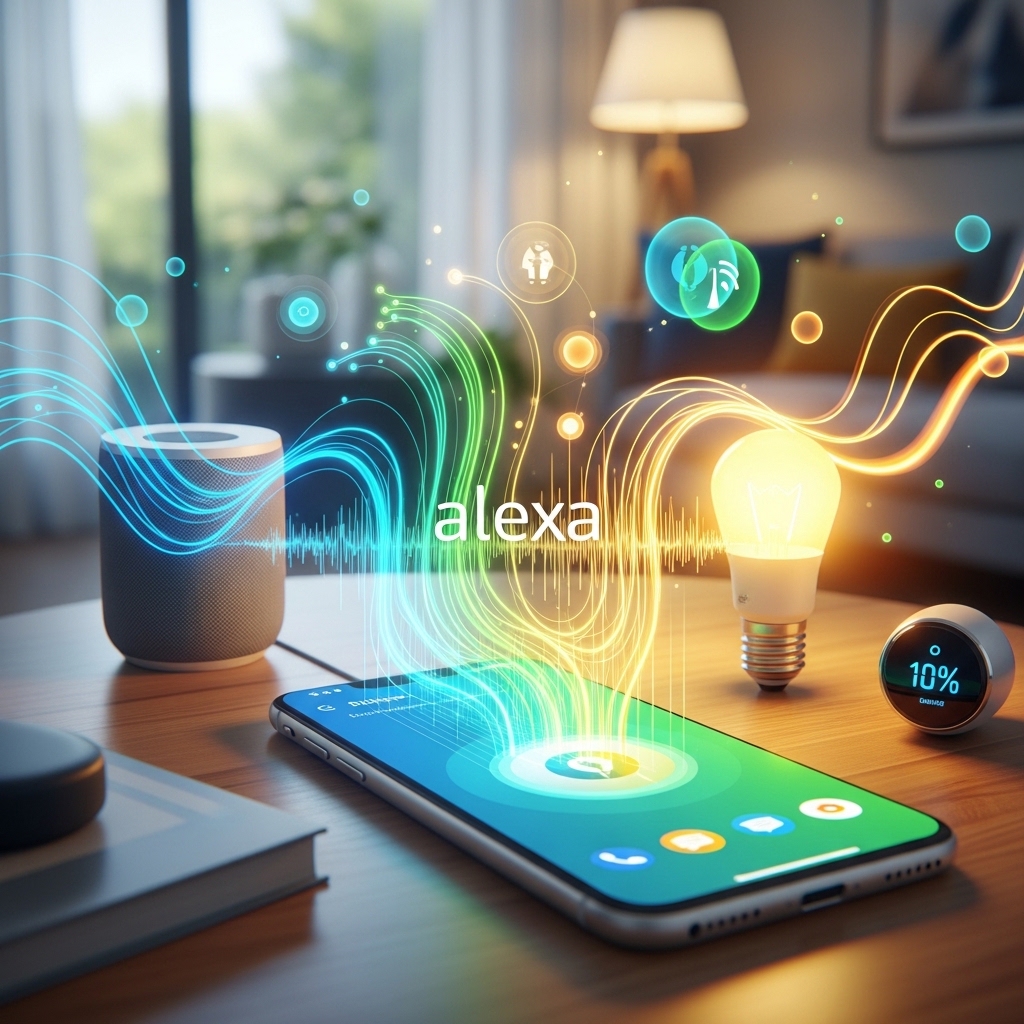
The Amazon Alexa app is the central hub for managing all your Alexa-enabled devices and Skills. Available for both iOS and Android, this free application allows you to set up devices, customize settings, create routines, and explore thousands of third-party Skills that expand Alexa’s functionality exponentially.
Skills are essentially voice-activated apps developed by Amazon and third-party creators. They enable Alexa to perform specific tasks beyond her built-in capabilities. Think of them as the equivalent of apps on your smartphone—each designed to fulfill particular needs or provide specialized services through simple voice commands.
The beauty of the Alexa ecosystem lies in its flexibility. You can enable Skills for specific interests, disable those you no longer use, and continuously discover new ones as developers release innovative solutions. The app makes managing this entire ecosystem intuitive and straightforward, even for those new to smart home technology.

Essential Features of the Alexa Mobile App 📱
The Alexa app serves multiple critical functions beyond just enabling Skills. It’s your complete control panel for Amazon’s voice assistant ecosystem, offering features that enhance both functionality and user experience.
Device Management and Setup
Setting up Echo devices, Fire TVs, and other Alexa-enabled hardware happens entirely through the mobile app. The guided setup process walks you through connecting devices to your Wi-Fi network, naming them for easy voice identification, and configuring initial preferences. You can manage multiple devices across different rooms and locations from a single interface.
Smart Home Control Center
The app provides comprehensive smart home management capabilities. Connect compatible devices from hundreds of brands—lights, thermostats, cameras, locks, and more—creating a unified control system accessible through voice commands or the app interface. You can create groups, assign devices to specific rooms, and control everything manually when voice isn’t convenient.
Routine Creation and Automation
Routines represent one of Alexa’s most powerful features. Through the app, you can create custom automation sequences triggered by voice commands, schedules, or device actions. For example, saying “Alexa, good morning” might turn on lights, read your calendar, provide weather updates, and start your coffee maker—all automatically. ☕
Communication Features
The app enables messaging and calling between Alexa devices and the mobile app itself. Drop In functionality allows instant connections to specific devices, perfect for home intercom systems or checking in on family members. You can also make hands-free calls to contacts who have the Alexa app or Echo devices.
Top Categories of Alexa Skills Worth Exploring 🎯
With over 100,000 Skills available, navigating the Alexa Skills store can feel overwhelming. Understanding the main categories helps you discover valuable additions tailored to your interests and needs.
Productivity and Organization Skills
These Skills transform Alexa into your personal assistant, helping manage calendars, to-do lists, reminders, and notes. Popular options include AnyList for shared shopping lists, Todoist for task management, and various calendar integration Skills that sync with Google Calendar, Outlook, or Apple Calendar. Voice-activated note-taking Skills let you capture thoughts instantly without reaching for your phone.
Entertainment and Music Skills
Beyond Amazon Music, Alexa integrates with Spotify, Apple Music, Pandora, and numerous other streaming services. Interactive game Skills offer trivia challenges, word games, and adventure stories. Podcast Skills provide easy access to your favorite shows, while audiobook integration through Audible lets you enjoy literature hands-free.
Health and Wellness Applications
Meditation and relaxation Skills like Headspace and Calm guide you through mindfulness exercises. Fitness Skills offer workout routines, yoga sessions, and exercise tracking. Sleep sounds and white noise Skills create optimal environments for rest, while nutritional Skills provide calorie information, recipe suggestions, and meal planning assistance. 🧘
News and Information Skills
Stay informed with Skills from major news organizations like NPR, BBC, CNN, and local stations. Flash Briefing Skills deliver personalized news summaries combining multiple sources. Specialized Skills cover finance, sports scores, weather forecasts, and niche topics ranging from space exploration to historical facts.
Food and Cooking Companions
Recipe Skills provide step-by-step cooking instructions, unit conversions, and substitution suggestions. Skills from services like AllRecipes, Food Network, and SideChef offer thousands of recipes searchable by ingredient or cuisine type. Wine pairing Skills help select perfect beverages for meals, while restaurant reservation Skills connect with OpenTable and similar services.
How to Find and Enable the Best Skills 🔍
Discovering quality Skills among thousands of options requires strategic browsing. The Alexa app organizes Skills into categories and features editorial collections highlighting noteworthy additions.
Browse the “Skills & Games” section in your Alexa app to explore categories or search for specific functions. Reading user reviews and ratings helps identify well-developed Skills versus poorly maintained ones. Editor’s Choice and Featured Skills sections showcase professionally vetted options worth considering.
Enabling Skills is simple—tap the Skill you want, select “Enable to Use,” and follow any additional setup instructions. Some Skills require account linking to external services, while others work immediately. You can always disable Skills you no longer use to keep your collection organized.
Try experimenting with similar Skills in categories that interest you. Different developers approach the same functionality with varying features and user experiences. You might find that one meditation Skill resonates more than another, or that a particular news briefing format suits your preferences better.
Creating Powerful Routines for Daily Efficiency ⚡
Routines elevate Alexa from a reactive assistant to a proactive helper anticipating your needs. The Alexa app’s routine builder offers remarkable flexibility for automation without requiring technical expertise.
Start by identifying repetitive tasks in your daily schedule. Morning routines might include gradually brightening lights 15 minutes before your alarm, providing weather forecasts, reading calendar appointments, and starting preferred news briefings. Evening routines could dim lights, lock smart locks, adjust thermostats, and play relaxing music.
Advanced routine builders can chain multiple actions, incorporate conditional logic, and trigger based on device sensors. For example, a routine triggered when you arrive home might unlock doors, turn on specific lights, and adjust temperature—all without speaking a word.
Location-Based Automation
Using your smartphone’s location, routines can trigger automatically when you leave or arrive home. This enables true automation—lights turning off when the last person leaves, or coffee makers starting when the first person approaches the house in the morning.
Smart Home Integration: Connecting Your Devices 🏡
The Alexa app supports thousands of smart home products across hundreds of brands, creating a unified ecosystem controllable through voice or the mobile interface.
Popular integrations include Philips Hue for lighting, Ring for security cameras and doorbells, Ecobee and Nest for thermostats, August for smart locks, and Samsung SmartThings for comprehensive home automation. Most devices connect through the app’s “Devices” section, where you add new items and organize them by room or function.
Creating groups simplifies control. A “Living Room” group containing lights, TV, and sound system allows commands like “Alexa, turn on the living room” to activate everything simultaneously. Scene creation combines specific device states—perhaps dimmed lights and adjusted thermostat for “Movie Time.”
The app also displays device status, battery levels for wireless products, and provides manual controls when voice isn’t practical. This dual control method ensures you’re never dependent solely on voice commands for critical functions like locks or security systems. 🔐
Privacy Settings and Voice History Management 🔒
Amazon provides robust privacy controls through the Alexa app, allowing users to manage data collection and voice recording practices according to personal comfort levels.
The “Alexa Privacy” section lets you review voice history, delete recordings individually or in bulk, and prevent recordings from being used to improve services. You can enable automatic deletion of recordings after three or eighteen months, or disable voice recording storage entirely—though this may reduce personalization.
Mute buttons on Echo devices provide physical control, disconnecting microphones when privacy is paramount. Visual indicators show when devices are listening, processing requests, or muted. Managing permissions for individual Skills ensures third-party applications only access necessary information.
Multi-User Profiles and Personalization 👥
Voice profiles allow Alexa to recognize different household members, personalizing responses based on who’s speaking. Through the app, each person can train Alexa to recognize their voice, enabling personalized music preferences, calendar access, shopping lists, and communication contacts.
Setting up household profiles takes minutes. Navigate to settings, select “Your Profile & Family,” and add household members. Each person completes voice training by repeating phrases that help Alexa distinguish vocal characteristics. Once configured, Alexa automatically adapts responses—playing Dad’s Spotify playlist when he asks for music, or accessing Mom’s calendar when she requests schedule information.
Amazon Household features extend beyond Alexa, sharing Prime benefits, digital content, and payment methods among family members while maintaining individual personalization across all Amazon services.
Troubleshooting Common Alexa App Issues 🔧
Even well-designed applications occasionally encounter problems. Understanding common issues and solutions helps maintain smooth operation.
Connectivity Problems
If devices appear offline, verify Wi-Fi connectivity through your router and the Alexa app. Restarting both the Echo device and your router resolves many connection issues. Ensure devices are within reasonable range of your wireless network and that network credentials haven’t changed.
Skill Functionality Issues
When Skills stop working properly, try disabling and re-enabling them through the app. Check for available Skill updates, as developers regularly release improvements. Some Skills require account relinking periodically—look for notifications in the app about authentication needs.
Voice Recognition Difficulties
Poor voice recognition often stems from background noise, distance from devices, or inadequate voice training. Retrain voice profiles in quieter environments and ensure Echo devices are positioned away from speakers or noisy appliances. Checking for device firmware updates can also resolve recognition issues.
Advanced Features Most Users Overlook 💡
Beyond basic functionality, the Alexa app includes powerful features that many users never discover.
Whisper Mode
Enable this feature to have Alexa respond in whispers when you whisper to her—perfect for late-night queries without disturbing sleeping household members. Activate through settings under “Alexa Account” then “Alexa Voice Responses.”
Follow-Up Mode
This setting keeps Alexa listening for several seconds after responding, allowing natural conversation without repeating the wake word. You can ask follow-up questions naturally: “Alexa, what’s the weather?” followed immediately by “How about tomorrow?” without saying “Alexa” again.
Brief Mode
Reduces verbal confirmations, replacing them with brief tones for routine commands. Instead of saying “Okay” when turning on lights, Alexa simply chimes acknowledgment—less intrusive and faster for frequent commands.
Announcements
Broadcast messages to all Echo devices simultaneously through the app or voice commands. Perfect for calling family to dinner or notifying everyone about schedule changes. You can also send announcements remotely through the mobile app when away from home. 📢
Shopping and List Management Through Alexa 🛒
The Alexa app excels at shopping list management, creating shared lists accessible to all household members. Voice commands like “Alexa, add milk to my shopping list” instantly update lists viewable in the app during grocery runs.
Amazon shopping integration allows voice ordering for Prime members, though purchase confirmations can be required through app settings for security. Price tracking, deal notifications, and order status updates keep you informed about deliveries and savings opportunities.
Creating multiple lists—shopping, to-do, gift ideas—organizes different aspects of household management. Share specific lists with family members, allowing collaborative planning and ensuring nothing gets forgotten.
Entertainment Control and Multi-Room Audio 🎵
The app transforms multiple Echo devices into a whole-home audio system. Create speaker groups combining devices in different rooms, then play synchronized music throughout your house with single voice commands.
Control music playback, adjust volume independently for different rooms, and switch between audio sources seamlessly. The app displays currently playing content across all devices, allowing quick adjustments without voice commands.
Fire TV integration enables voice control of streaming content, channel changing, and playback controls. Link video streaming services through the app, then use Alexa to find shows, launch apps, or control viewing experiences hands-free.
Maximizing Your Alexa Experience: Final Thoughts 🌟
The Alexa app represents the gateway to truly smart living, offering far more than basic voice assistant functionality. By exploring Skills strategically, creating thoughtful routines, integrating smart home devices, and utilizing advanced features, you transform Alexa from a novelty into an indispensable daily companion.
Start small—enable a few Skills in categories matching your interests, create a simple morning routine, and connect one or two smart home devices. As comfort grows, expand gradually, discovering features and capabilities that specifically enhance your lifestyle. The ecosystem’s flexibility ensures there’s always something new to explore.
Regular app exploration reveals new Skills, features, and improvements Amazon continuously adds. Set aside time monthly to browse the Skills store, update routines as life changes, and refine smart home configurations. This ongoing optimization ensures your Alexa ecosystem evolves alongside your needs.
Remember that the best smart home setup is one that genuinely simplifies life rather than complicating it. Focus on automations and Skills that save time, reduce friction, or bring joy—not technology for technology’s sake. When implemented thoughtfully, Alexa becomes invisible infrastructure supporting better living rather than a gadget demanding constant attention.
Download the Alexa app today and begin discovering how voice-activated assistance can streamline routines, enhance entertainment, and create a more connected, responsive home environment tailored perfectly to your unique preferences and lifestyle. ✨
