
Anúncios
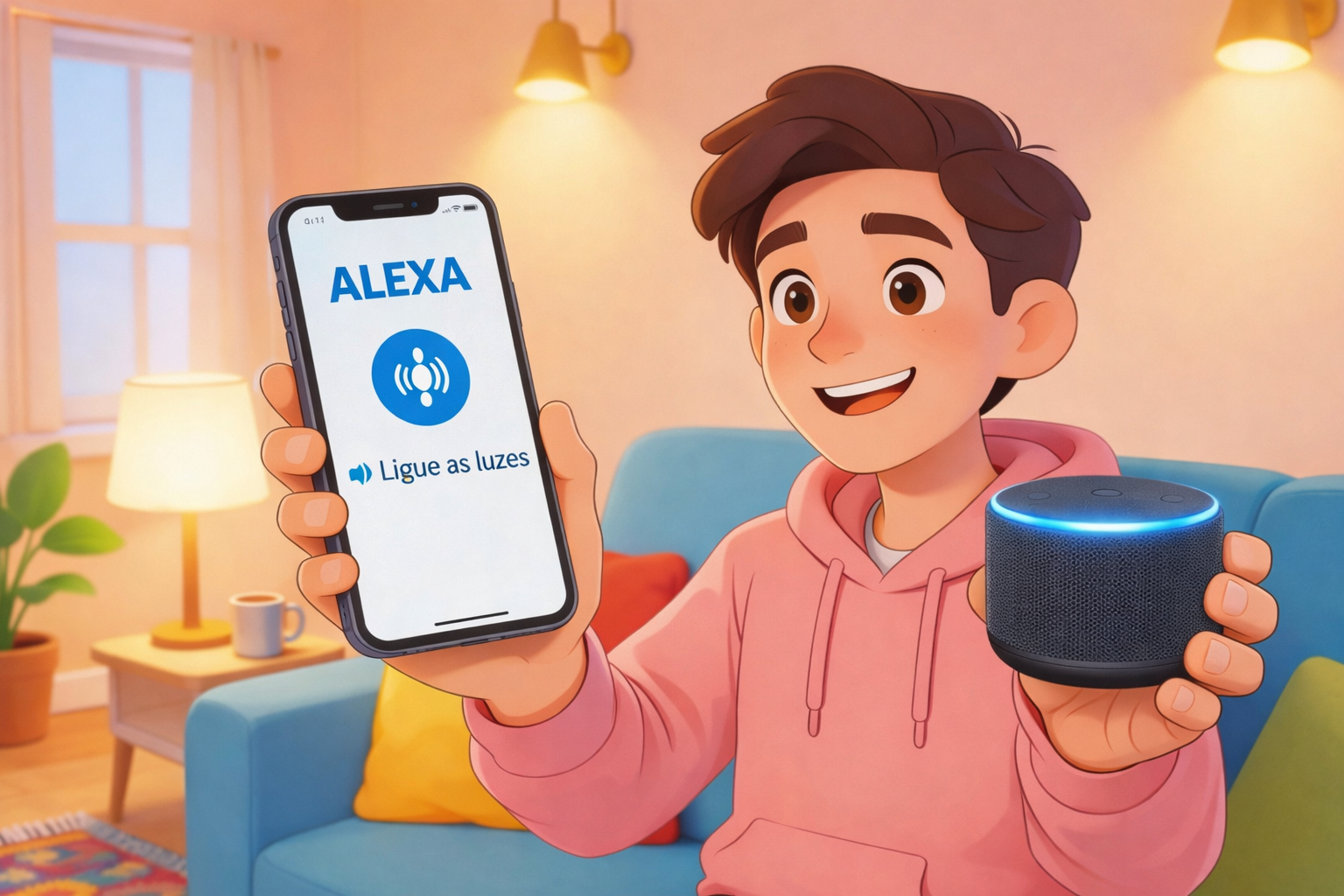
Amazon’s Alexa has stepped out of your Echo speaker and into your pocket. With the Alexa mobile app, you can access your favorite voice assistant anytime, anywhere, transforming your smartphone into a powerful command center.
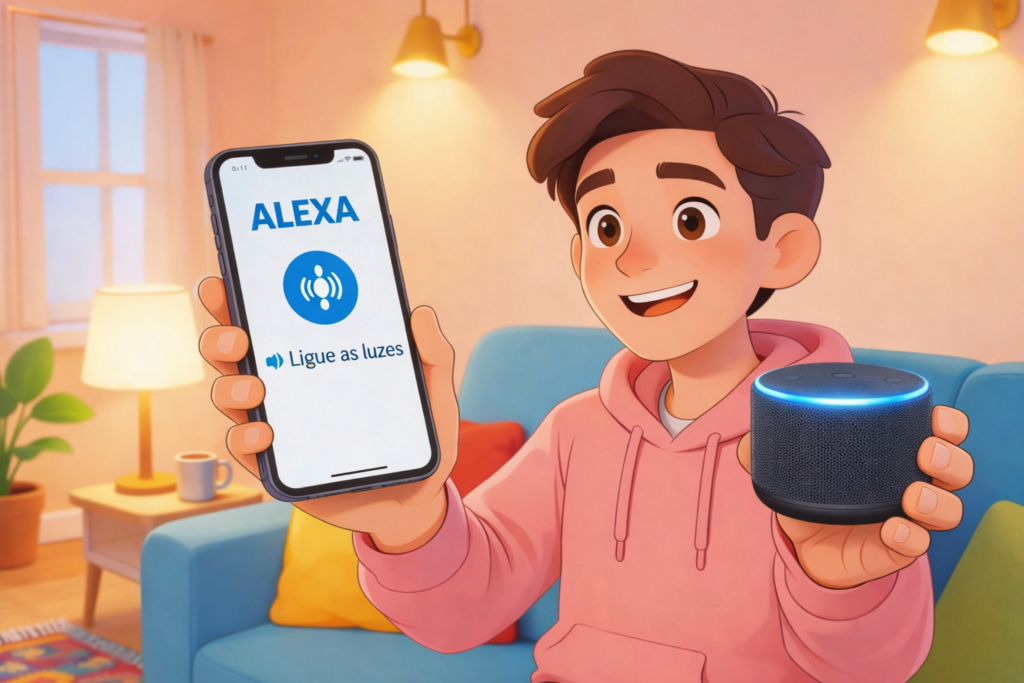


The convenience of having Alexa on your phone goes beyond simple voice commands. It’s about seamlessly integrating your digital life with smart technology that understands context, anticipates needs, and responds instantly to your requests.
Anúncios
Whether you’re commuting, traveling, or simply away from your smart home devices, the Alexa app ensures you’re never disconnected from the ecosystem you’ve built. Let’s explore how this mobile companion can revolutionize your daily routine with incredible commands and unprecedented practicality.
🚀 Why Having Alexa on Your Phone Changes Everything
The mobile Alexa experience isn’t just a miniaturized version of what your Echo does at home. It’s a reimagined interface that leverages your smartphone’s capabilities while maintaining the voice-first philosophy that made Alexa famous.
Anúncios
Your phone becomes a remote control for your entire smart home setup. Forgot to turn off the lights before leaving? Need to adjust the thermostat while stuck in traffic? The Alexa app handles these scenarios effortlessly, giving you complete control regardless of your physical location.
Beyond smart home management, the app serves as a hub for streaming music, setting reminders, checking weather forecasts, and accessing thousands of Alexa Skills. The visual display adds a dimension that voice-only devices can’t provide, showing you shopping lists, calendar events, and smart home device statuses at a glance.
📱 Getting Started: Setting Up Alexa on Your Mobile Device
Installing and configuring the Alexa app takes just minutes. After downloading from your device’s app store, you’ll sign in with your Amazon account and grant necessary permissions for microphone access, notifications, and location services.
The setup wizard walks you through connecting your smart home devices, linking music services like Spotify or Apple Music, and customizing your preferences. The interface is intuitive, with clear icons and straightforward navigation that makes configuration accessible even for tech novices.
Once configured, you can activate Alexa either by tapping the blue microphone button or using hands-free wake word detection on supported devices. The latter transforms your phone into a genuine Echo replacement, responding to “Alexa” just like your home speakers do.
Essential Configuration Tips for Maximum Efficiency
Personalizing your Alexa app ensures you get the most relevant responses and smoother interactions. Start by setting your home and work addresses, which enables location-based features like traffic updates and local weather forecasts tailored to where you actually are.
Connect your calendar services—Google Calendar, Outlook, or Apple Calendar—so Alexa can read your schedule, remind you of upcoming meetings, and help you manage appointments through voice commands. This integration becomes invaluable when you’re driving or multitasking.
Enable notifications for deliveries, reminders, and smart home alerts. The app can notify you when your Amazon packages arrive, when motion is detected by your Ring doorbell, or when specific routines complete. These push notifications keep you informed without requiring constant checking.
💬 Voice Commands That Transform Your Daily Routine
The real magic of mobile Alexa lies in the commands you can execute while on the move. These aren’t just parlor tricks—they’re practical tools that save time and reduce friction in everyday tasks.
Communication commands let you send messages, make calls, and even drop in on other Alexa devices in your home. Saying “Alexa, send a message to Mom” initiates a text or voice message to her Alexa devices or the Alexa app on her phone, creating a family communication network.
Shopping becomes effortless with commands like “Alexa, add milk to my shopping list” or “Alexa, reorder paper towels.” Your lists sync across all devices, so items added via your phone appear when you’re shopping with your Echo or checking the app’s visual interface.
Productivity Commands for Busy Professionals 💼
- “Alexa, what’s on my calendar today?” — Get a complete rundown of meetings and appointments
- “Alexa, set a reminder to call John at 3 PM” — Never forget important follow-ups
- “Alexa, start a 25-minute focus timer” — Implement Pomodoro techniques effortlessly
- “Alexa, create a new to-do” — Capture tasks the moment they occur to you
- “Alexa, what’s my commute like?” — Check traffic conditions before heading out
These commands work seamlessly while you’re walking, waiting in line, or taking a break. The hands-free nature means you can continue other activities while managing your schedule and tasks through voice alone.
Entertainment and Information at Your Fingertips 🎵
Music control represents one of Alexa’s strongest mobile features. Commands like “Alexa, play workout music on Spotify” or “Alexa, skip this song” work with major streaming services, and the app displays album art, lyrics, and playback controls on your screen.
Podcast and audiobook management becomes equally simple. “Alexa, play the latest episode of [podcast name]” or “Alexa, resume my audiobook” picks up exactly where you left off, syncing across all your Alexa-enabled devices for a continuous listening experience.
News briefings keep you informed with personalized content. “Alexa, what’s my Flash Briefing?” delivers news from your chosen sources—NPR, BBC, local stations, or specialized topics like technology or sports. You can skip stories, pause, or ask follow-up questions about specific topics.
🏠 Smart Home Control from Anywhere in the World
The ability to manage your connected home remotely represents the most compelling reason to install Alexa on your phone. Whether you’re across town or across the country, your smart devices remain accessible through simple voice commands or the app’s visual interface.
Lighting control works intuitively with commands like “Alexa, turn on the living room lights” or “Alexa, dim the bedroom to 30%.” The app also provides a dashboard where you can see all connected lights and switches, offering visual confirmation of which devices are currently active.

Temperature management ensures your home is always comfortable. “Alexa, set the thermostat to 72 degrees” adjusts your smart thermostat remotely, so you can warm up the house before arriving on a cold winter day or cool it down if you forgot to adjust it before leaving.
Security monitoring provides peace of mind when you’re away. Commands like “Alexa, show me the front door camera” display live feeds from compatible security cameras directly in the app, while “Alexa, lock the front door” secures smart locks with voice confirmation.
Creating Powerful Routines for Automated Living
Routines represent Alexa’s most sophisticated feature, allowing you to trigger multiple actions with a single command or automatically based on time, location, or device status. The mobile app provides a comprehensive interface for creating and managing these automation sequences.
A “Good Morning” routine might turn on bedroom lights, start your coffee maker, read the weather forecast, announce calendar events, and begin playing your favorite morning playlist—all initiated by saying “Alexa, good morning” or automatically at your scheduled wake-up time.
Location-based routines use your phone’s GPS to trigger actions when you arrive or leave. Walking through your front door can automatically unlock it, turn on entry lights, adjust the thermostat, and resume music on your home speakers—all without saying a word.
🎯 Advanced Features Most Users Don’t Know About
Beyond basic commands, the Alexa app hides powerful features that dramatically expand its utility. Drop In functionality lets you instantly connect to other Alexa devices in your home, creating an intercom system that works even when you’re miles away.
Announcements broadcast messages to all Alexa devices simultaneously. “Alexa, announce dinner is ready” plays your message through every Echo speaker, Ring doorbell, and compatible device, ensuring everyone hears important information regardless of where they are in the house.
Whisper Mode recognizes when you speak quietly and responds in kind, perfect for late-night queries when others are sleeping. The app also supports Follow-Up Mode, which keeps the microphone active for several seconds after a response, allowing multi-part conversations without repeating the wake word.
Alexa Skills: Expanding Capabilities Exponentially 🔌
The Skills library contains over 100,000 third-party add-ons that extend Alexa’s functionality far beyond Amazon’s built-in features. These range from meditation guides and sleep sounds to restaurant reservations and language learning programs.
Popular Skills include “MyRadar” for detailed weather visualizations, “Jeopardy!” for daily trivia challenges, and “Big Sky” for hyperlocal weather forecasts. Each Skill is voice-activated through simple commands once enabled in your app.
Some Skills integrate with specialized services—”7-Minute Workout” guides exercise routines, “Sleep Sounds” provides ambient noise for better rest, and “Any.do” syncs with task management platforms. Browsing Skills within the app reveals categories tailored to your interests and lifestyle.
🔋 Battery Management and Performance Optimization
Running a voice assistant on your phone does consume battery, but several strategies minimize this impact. Disabling hands-free wake word detection prevents constant microphone monitoring, significantly extending battery life while still allowing manual activation.
Background app refresh settings determine how frequently Alexa syncs data. Reducing this frequency conserves power without substantially affecting functionality, since most features work on-demand when you open the app or issue commands.
Notification management prevents unnecessary alerts from draining resources. Review which Alexa notifications you genuinely need as push alerts versus those you can check periodically when opening the app.
🌐 Integration with Other Services and Platforms
Alexa’s true power emerges through integrations with countless services. Music platforms like Spotify, Apple Music, Amazon Music, Pandora, and Tidal all work seamlessly, allowing you to stream content through unified voice commands regardless of your preferred service.
Calendar platforms sync bidirectionally, meaning appointments you create through Alexa appear in Google Calendar or Outlook, while events added elsewhere become accessible through voice queries. This synchronization keeps your schedule unified across ecosystems.
Smart home platforms including Philips Hue, Samsung SmartThings, Ring, Nest, ecobee, and hundreds of others connect directly through the Alexa app. The Devices section provides a centralized dashboard for managing everything from lights and locks to cameras and thermostats.
Voice Shopping and Reordering Made Simple 🛒
Amazon’s integration naturally excels in shopping features. “Alexa, order more coffee” initiates a reorder of your previously purchased items, while “Alexa, add batteries to my cart” places items for later review and purchase.
Voice purchasing can be protected with a confirmation code, preventing accidental orders or unauthorized purchases. The app displays order confirmations visually, providing details before finalizing transactions.
Deal alerts notify you when items on your wish list go on sale, and you can ask “Alexa, what are your deals today?” to hear about limited-time offers on products Amazon thinks you’ll enjoy based on your browsing and purchase history.
🔒 Privacy Controls and Security Features
Privacy concerns understandably accompany voice assistants, but the Alexa app provides comprehensive controls over your data. The Privacy Settings section lets you review and delete voice recordings, either individually or in bulk for specific time periods.
Automatic deletion can be configured to remove recordings after three or eighteen months, ensuring old voice data doesn’t accumulate indefinitely. You can also disable the use of your voice recordings for improving Alexa’s capabilities if you prefer.
Microphone access permissions work at the operating system level, meaning you control when the Alexa app can listen. Revoking microphone permission completely prevents voice activation while still allowing you to interact through the app’s visual interface.
📊 Comparing Mobile Alexa with Other Voice Assistants
Google Assistant and Siri offer similar mobile voice functionality, but Alexa distinguishes itself through superior smart home integration and the vast Skills ecosystem. The breadth of compatible devices exceeds competitors, making Alexa the natural choice for smart home enthusiasts.
| Feature | Alexa | Google Assistant | Siri |
|---|---|---|---|
| Smart Home Devices | 100,000+ | 50,000+ | Limited |
| Third-Party Skills | 100,000+ | Limited | Shortcuts Only |
| Multi-Room Audio | Excellent | Good | Apple-Only |
| Shopping Integration | Seamless Amazon | Google Shopping | Limited |
| Privacy Controls | Comprehensive | Good | Strong |
While Google Assistant excels at answering factual questions and Siri integrates deeply with Apple’s ecosystem, Alexa’s strength lies in practical home automation and third-party extensibility through Skills.
🌟 Real-World Scenarios Where Mobile Alexa Shines
Consider arriving home with arms full of groceries. Instead of fumbling for keys, you say “Alexa, unlock the front door” while still on the porch. The door unlocks, lights turn on, and your home welcomes you—all without setting anything down.
During road trips, Alexa becomes your copilot. “Alexa, play road trip music” starts your favorite playlist, while “Alexa, find gas stations nearby” provides location-based results. Navigation queries and weather updates for your destination keep you informed throughout the journey.
Parents use Alexa for household coordination. “Alexa, announce it’s time for dinner” reaches kids in their rooms, while “Alexa, ask [child’s name] where they are” uses Drop In to check on family members throughout the house when you’re away.
🎓 Tips for Mastering Your Mobile Alexa Experience
Experiment with natural language variations—Alexa understands context better than you might expect. Instead of robotic commands, try conversational phrases like “Alexa, I’m cold” which she interprets as a request to increase the temperature.
Explore the “Things to Try” section in the app, which suggests commands based on your enabled Skills and connected devices. This discovery feature reveals capabilities you didn’t know existed, continually expanding your usage patterns.
Regularly review your routines and Skills. As your life changes, so should your Alexa configuration. Seasonal adjustments, new device additions, and evolving preferences all benefit from periodic optimization of your setup.
🚨 Troubleshooting Common Mobile Alexa Issues
Connection problems typically stem from Wi-Fi or Bluetooth issues. Ensure your phone has strong internet connectivity and that Bluetooth is enabled for certain features like music streaming to paired speakers.
If Alexa stops responding to voice commands, check microphone permissions in your phone’s settings. Apps sometimes lose permissions after system updates, requiring manual re-authorization to function properly.
Device discovery issues in smart home setups often resolve through the “Discover Devices” function in the app’s Devices section. This scan finds newly added smart home products and adds them to your Alexa ecosystem automatically.
🔮 The Future of Mobile Voice Assistants
Amazon continuously enhances the Alexa mobile experience with regular updates that add features, improve recognition accuracy, and expand device compatibility. Recent additions include visual ID for selecting specific cameras and enhanced multi-language support for bilingual households.
Artificial intelligence improvements make interactions more natural with each passing month. Context retention across conversations, proactive suggestions based on usage patterns, and emotional intelligence in responses all represent areas of active development.
Integration depth continues expanding as more manufacturers build Alexa compatibility into their products. From cars and wearables to appliances and enterprise systems, the ecosystem grows more interconnected, with your phone serving as the central control point.
✨ Transforming Your Smartphone into a Command Center
The Alexa mobile app represents more than convenience—it’s a fundamental shift in how we interact with technology. Voice commands eliminate interface friction, making complex operations accessible through natural speech instead of navigating menus and tapping buttons.
This accessibility extends beyond personal convenience to inclusivity for those with mobility limitations, visual impairments, or situations where hands-free operation is essential. The democratization of technology through voice represents genuine progress in human-computer interaction.
Your smartphone already goes everywhere with you. Adding Alexa transforms it from a passive tool into an active assistant that anticipates needs, responds instantly to requests, and seamlessly connects all aspects of your digital life. The practicality isn’t just about individual commands—it’s about the cumulative time saved and stress reduced across thousands of small interactions throughout your day.
Whether you’re a smart home enthusiast, a productivity-focused professional, or simply someone seeking more convenient ways to manage daily tasks, Alexa on your phone delivers remarkable value. The combination of powerful voice commands, comprehensive smart home control, and deep service integrations creates an experience that fundamentally enhances how you interact with technology.
Download the app today and discover how a voice assistant in your pocket can simplify your life in ways you never imagined possible. The future of personal assistance isn’t coming—it’s already here, waiting for you to say “Alexa” and unlock its potential. 🎙️
