
Anúncios
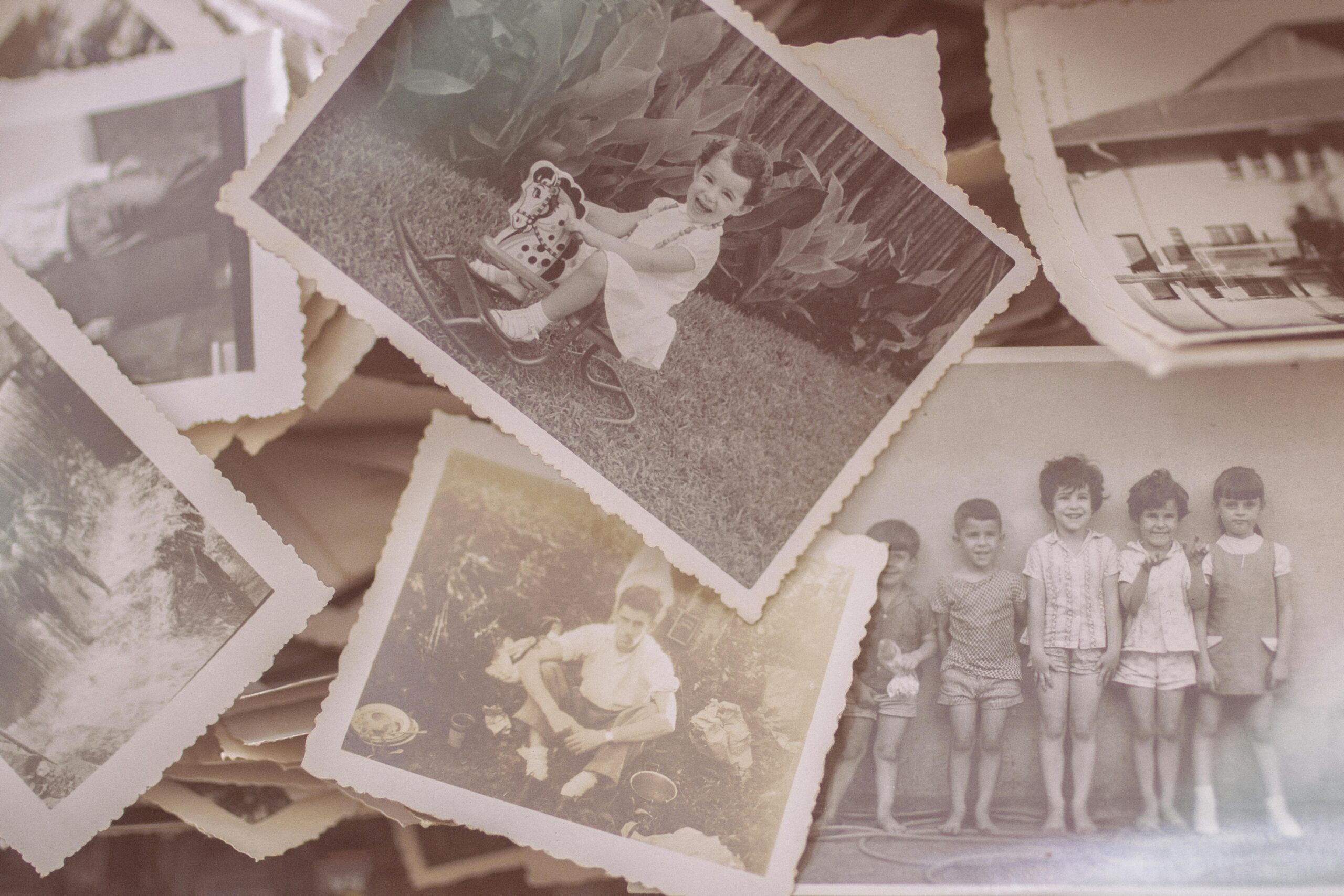
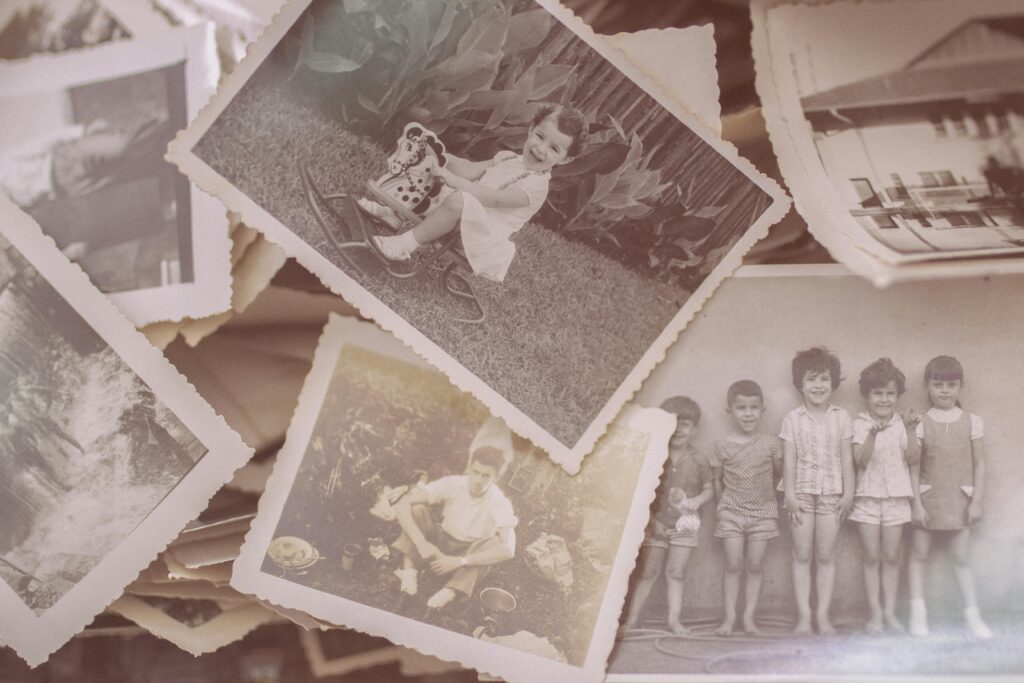
Have you ever wished you could bring back those faded family photos collecting dust in old albums? Now there’s a way to restore precious memories with just a few taps on your phone.


Technology has transformed the way we preserve and restore our most cherished moments. What once required expensive professional services and weeks of waiting can now be done instantly from the comfort of your home. These innovative applications use artificial intelligence to breathe new life into damaged, faded, and deteriorating photographs.
Anúncios
The emotional value of family photos cannot be overstated. They connect us to our roots, tell stories of generations past, and preserve moments that would otherwise be lost to time. Thanks to modern photo restoration apps, you no longer need to accept that your grandmother’s wedding photo will remain scratched and yellowed forever.
📸 Why Old Photos Deteriorate Over Time
Understanding why photographs age helps us appreciate the technology that can restore them. Physical photos face numerous threats throughout their lifespan, and each type of damage tells a story of time passing.
Anúncios
Chemical degradation is one of the primary culprits. Traditional photographic paper contains chemicals that react with air, moisture, and light over time. This reaction causes the characteristic yellowing and fading we associate with vintage photographs. The silver compounds in black-and-white photos oxidize, while color photos lose their vibrancy as organic dyes break down.
Environmental factors accelerate this deterioration process. Humidity creates the perfect conditions for mold growth and causes paper to warp. Sunlight bleaches colors and weakens the paper fibers. Temperature fluctuations cause expansion and contraction, leading to cracks and tears.
Physical damage is perhaps the most visible threat. Photos stored in boxes get scratched, creased, and torn. Fingerprints leave permanent marks. Water damage from floods or leaks creates devastating stains. Even the adhesives in old photo albums can cause irreversible damage, transferring chemical residues or physically tearing the photo surface when removed.
🤖 How AI-Powered Photo Restoration Actually Works
The magic behind modern photo restoration apps lies in sophisticated artificial intelligence algorithms trained on millions of images. These systems have learned to recognize patterns, understand what damage looks like, and predict what the original photo should have looked like.
When you upload a damaged photo, the AI first analyzes the image to identify different types of deterioration. It distinguishes between intentional elements (like the subject’s face or background details) and damage (like scratches, stains, or fading). This analysis happens in milliseconds, processing information that would take human experts hours to assess.
The reconstruction phase is where the real transformation occurs. The AI uses deep learning neural networks to fill in missing information, restore colors, enhance clarity, and remove imperfections. It doesn’t simply blur out damage—it intelligently reconstructs what should be there based on surrounding context and patterns learned from countless similar images.
Color restoration involves particularly complex calculations. The AI must understand how different pigments fade over time and reverse that process. It analyzes remaining color information, considers the era when the photo was likely taken, and applies appropriate color palettes to recreate authentic-looking tones.
🔍 Advanced Features That Make the Difference
Modern restoration apps go beyond basic fixes. Scratch and tear removal uses inpainting technology that seamlessly fills damaged areas by analyzing surrounding pixels. The result looks natural rather than obviously edited.
Face enhancement technology specifically targets human subjects, sharpening facial features that may have blurred over time. The AI recognizes eyes, noses, mouths, and other features, applying targeted improvements that make faces clearer without looking artificial.
Noise reduction algorithms clean up the graininess common in old photos while preserving important details. This balance is crucial—removing too much grain can make photos look plastic and fake, while leaving too much keeps them looking dated.

💝 The Emotional Impact of Restored Memories
Numbers and technology aside, the true value of photo restoration lies in the emotional connections it revives. Seeing a great-grandparent’s face clearly for the first time, or witnessing your parents’ wedding day in vibrant color rather than faded sepia, creates powerful moments of connection across generations.
Families report that restored photos spark conversations and storytelling. An elderly relative might see details in a restored childhood photo that trigger long-forgotten memories. These stories become part of the family narrative, passed down to younger generations who suddenly feel more connected to their heritage.
For many people, damaged photos represent a source of regret—precious memories seemingly lost forever. Restoration apps transform that regret into joy, proving that it’s never too late to preserve what matters most. This psychological relief shouldn’t be underestimated; it provides closure and peace of mind knowing that family history has been salvaged.
📱 Getting Started With Photo Restoration Apps
The process of restoring your old photos is remarkably simple, even if you’re not particularly tech-savvy. Most apps guide you through each step with intuitive interfaces designed for everyone from teenagers to seniors.
Start by gathering your physical photos. If they’re still in albums, carefully remove them to avoid additional damage. Handle them by the edges to prevent fingerprints and oils from causing further deterioration. You don’t need to clean them—the app will handle imperfections.
Scanning or photographing your old pictures requires attention to lighting. Natural daylight works best, but avoid direct sunlight that creates glare. Lay the photo flat on a contrasting surface (a white sheet works perfectly) and capture the image straight-on rather than at an angle. Most smartphones have sufficient camera quality for excellent results.
✨ Maximizing Your Restoration Results
Once you’ve uploaded your photo to the restoration app, explore the various adjustment options. Most apps offer both automatic and manual controls. The automatic mode works wonderfully for most photos, but manual adjustments let you fine-tune specific aspects.
Start with automatic restoration to see what the AI can accomplish. This gives you a baseline for comparison. If certain areas need additional attention—perhaps a particularly damaged corner or an especially faded section—use targeted tools to address those specific problems.
Don’t over-process your photos. It’s tempting to apply every enhancement available, but restraint often produces better results. The goal is to restore the photo to how it originally looked, not to transform it into something it never was. Subtle improvements typically look more authentic than dramatic changes.
Compare the before and after versions side by side. This helps you appreciate the transformation and ensures you’re happy with the results before saving. Most apps allow multiple versions, so you can experiment with different settings without losing your work.
🎨 Creative Ways to Use Your Restored Photos
Once you’ve restored your precious family photos, the possibilities for sharing and displaying them are endless. These revitalized images deserve to be celebrated, not hidden away in digital folders.
Create a family heritage photo book that spans generations. Arrange restored photos chronologically to tell your family’s story visually. Include brief captions with names, dates, and locations to preserve context for future generations. These books become treasured heirlooms that can be duplicated and shared among family members.
Design a gallery wall in your home featuring restored photos in matching frames. This creates a stunning visual display that serves as a conversation starter and daily reminder of your roots. Mix different eras and sizes for an eclectic, personalized look.
Digital frames offer a modern way to display rotating collections of restored images. Upload dozens of photos and let them cycle throughout the day, bringing different memories into focus. This is particularly meaningful for elderly family members who can enjoy a constantly changing gallery of familiar faces.
🎁 Sharing Restored Memories With Family
Restored photos make incredibly meaningful gifts. Create personalized calendars featuring restored family photos for each month. Relatives will appreciate seeing their heritage displayed throughout the year, and it’s a practical gift that gets daily use.
For milestone celebrations like anniversaries or birthdays, present restored photos from the honoree’s past. Frame a restored wedding photo for a couple’s golden anniversary, or compile childhood photos for a parent’s retirement party. These thoughtful gifts often become the most cherished presents received.
Share restored images on family social media groups or through messaging apps. This sparks engagement as relatives comment with their own memories and stories related to the photos. It strengthens family bonds, especially for geographically dispersed families who don’t see each other often.
🛡️ Preserving Photos for Future Generations
Restoring old photos is just the first step. Proper preservation ensures that both the originals and the restored digital versions remain accessible for decades to come.
Store original physical photos properly after digitizing them. Use acid-free archival boxes and sleeves designed specifically for photograph preservation. Keep them in a climate-controlled environment away from direct sunlight, humidity, and temperature extremes. Basements and attics are typically poor storage locations despite being common choices.
Create multiple backups of your restored digital photos. Follow the 3-2-1 rule: maintain three copies of your files, on two different types of media, with one copy stored off-site. Cloud storage services provide excellent off-site backup options, while external hard drives offer local copies.
Organize your digital photo collection with clear, consistent naming conventions. Include dates, names, and locations in file names whenever possible. This makes photos searchable and ensures that context isn’t lost over time. Future generations will thank you for this organizational effort.
💡 Tips for Best Photo Restoration Results
Achieving professional-quality results from photo restoration apps requires understanding a few key principles and best practices.
Image resolution matters significantly. When scanning or photographing old prints, use the highest quality settings available. More pixels give the AI more information to work with, resulting in clearer, more detailed restorations. A minimum of 300 DPI (dots per inch) is recommended for scanning, though higher is better.
Process photos in stages for complex damage. If a photo has multiple types of deterioration—fading, scratches, and stains—address them systematically rather than all at once. Start with overall color and contrast corrections, then tackle specific damage areas, and finish with final polishing touches.
Experiment with different apps if initial results disappoint. Various apps use different AI models and algorithms, which can produce varying results depending on the type and extent of damage. What one app struggles with might be another’s strength.
⚙️ Understanding App Features and Limitations
While photo restoration apps are remarkably powerful, they have limitations worth understanding. Completely missing image sections can’t be invented from nothing—the AI makes educated guesses based on context, but these reconstructions may not be perfectly accurate. Set realistic expectations for severely damaged photos.
Very low-resolution original images limit restoration potential. If the original photo is extremely small or poorly captured, no amount of AI enhancement can add detail that was never present. Starting with the best possible source material is crucial.
Processing time varies based on photo complexity and size. A simple color correction might take seconds, while comprehensive restoration of a severely damaged large image could take several minutes. Patience pays off with better results.
🌟 Real Stories of Restored Family Memories
The impact of photo restoration extends far beyond technical achievements. Real families have experienced profound moments through rediscovering their heritage in restored images.
One user discovered a severely water-damaged photo of her grandmother in a flooded basement. The image was barely recognizable, with most details obscured by stains and discoloration. After restoration, seeing her grandmother’s face clearly for the first time moved her to tears. She had never known what her grandmother actually looked like in youth, and the restored photo created an unexpected sense of connection.
Another family restored decades of photos documenting their father’s military service overseas. The restored collection became a surprise gift for his 80th birthday, arranged in a commemorative album. The emotional reaction from their father, who thought those memories were lost to time and damage, created one of the family’s most treasured moments.
Genealogy researchers have used restored photos to identify unknown relatives in old family pictures. Clearing away damage and enhancing facial features has enabled them to make connections that would have been impossible with deteriorated originals, literally expanding their family trees with newly identified branches.
🚀 The Future of Photo Restoration Technology
The current generation of photo restoration apps represents just the beginning of what’s possible. Ongoing advances in artificial intelligence and machine learning promise even more impressive capabilities in the near future.
Researchers are developing AI that can colorize black-and-white photos with increasing accuracy, using historical databases to determine appropriate colors for clothing, vehicles, and settings based on the era. Future versions may achieve near-perfect historical accuracy in colorization.
Three-dimensional reconstruction from old photos is emerging as a possibility. Imagine converting flat photographs into 3D models that can be viewed from different angles or even experienced in virtual reality. This would transform how we interact with family history, making it immersive rather than merely observational.
Video restoration technology is adapting similar AI approaches to repair old home movies. The same principles that fix photographs can stabilize shaky footage, enhance clarity, restore color, and remove scratches from vintage video recordings. Soon, your entire family archive—both photos and videos—will be restorable through user-friendly apps.
🎯 Making Photo Restoration Part of Your Routine
Rather than treating photo restoration as a one-time project, consider making it an ongoing family activity that preserves memories systematically over time.
Set aside time regularly—perhaps monthly or quarterly—to scan and restore a batch of old photos. This prevents the task from becoming overwhelming while steadily building your digital archive. Consistency ensures nothing gets forgotten or left to further deteriorate.
p>Involve multiple family members in the restoration process. Share the workload and the joy of rediscovery. Younger family members particularly benefit from this engagement with family history, developing appreciation for their heritage while learning valuable digital skills.
Document the stories behind restored photos while older relatives are still available to share them. Record audio or video of them describing the context, people, and events in the pictures. This oral history combined with visual restoration creates incredibly rich family archives.
🏆 Choosing the Right Restoration App for Your Needs
With numerous photo restoration apps available, selecting the right one depends on your specific requirements and comfort level with technology.
However, consider whether you need automatic or manual controls. For example, beginners often prefer apps with strong automatic features that deliver good results with minimal effort. In contrast, more experienced users might want detailed manual adjustments for precise control.
Additionally, evaluate processing speed and quality balance. Some apps prioritize fast results with acceptable quality, while others take longer but produce superior outcomes. Therefore, your patience level and quality standards should guide this choice.
Before uploading precious family photos, check privacy policies. Also, understand how the app stores and uses your images. Reputable apps process photos securely and don’t retain copies or use them for other purposes without permission.
Your family’s visual history represents an irreplaceable connection to the past. Moreover, the photographs that document your heritage deserve preservation and restoration. With accessible technology now available, there’s never been a better time to rescue those memories.
Finally, don’t let another day pass with precious memories deteriorating. Instead, start with just one photo and experience the transformation.
