
Anúncios
Amazon Alexa transforms your smartphone into a powerful command center, enabling seamless control of smart devices, task automation, and hands-free assistance wherever you go.
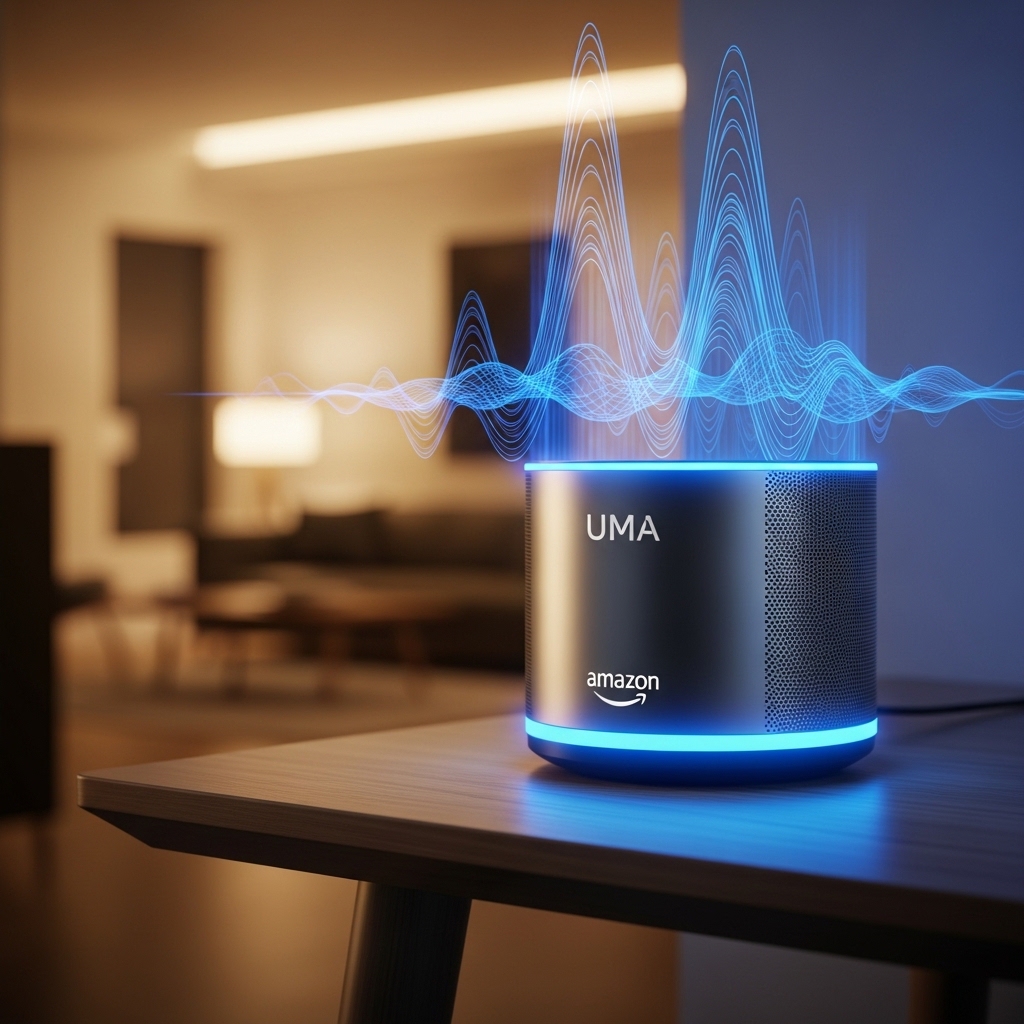


The evolution of voice-activated technology has revolutionized how we interact with our digital environments. With the Alexa app installed on your mobile device, you’re no longer tethered to a stationary smart speaker to access the full spectrum of intelligent features Amazon offers.
Anúncios
From managing your calendar and setting reminders to controlling lights, thermostats, and security systems, the mobile Alexa experience brings unprecedented convenience to your daily routine. Let’s explore how you can maximize this technology directly from your smartphone.
🚀 Getting Started with Alexa on Your Mobile Device
Setting up Alexa on your smartphone is remarkably straightforward. After downloading the official Amazon Alexa app from either the Play Store or App Store, you’ll need to sign in with your Amazon account credentials. The interface welcomes you with an intuitive dashboard that becomes your gateway to smart home management and voice commands.
Anúncios
The initial setup process walks you through connecting your smart devices, customizing preferences, and exploring available skills. Unlike the traditional desktop experience, the mobile app offers portability that extends Alexa’s capabilities beyond your home environment. You can issue commands while commuting, traveling, or simply relaxing in your backyard.
One often overlooked advantage is the app’s ability to function even without an Echo device. Your smartphone essentially becomes a standalone Alexa assistant, capable of answering questions, playing music, setting timers, and managing tasks through voice or text input.
📱 Mastering Voice Commands from Your Smartphone
The beauty of mobile Alexa lies in its hands-free functionality. By enabling the “Alexa Hands-Free” feature in settings, you can activate the assistant without touching your phone. Simply say “Alexa” followed by your command, and the app responds instantly—even when your screen is locked.
This feature proves invaluable during driving, cooking, or exercising when manual phone interaction isn’t practical. The microphone technology has been optimized to recognize your voice even in noisy environments, filtering background sounds to understand your intentions accurately.
Essential Voice Commands to Try Today
- Smart home control: “Alexa, turn off the living room lights” or “Alexa, set the thermostat to 72 degrees”
- Information queries: “Alexa, what’s the weather forecast for this weekend?” or “Alexa, how do you say ‘thank you’ in Japanese?”
- Entertainment: “Alexa, play relaxing jazz music” or “Alexa, tell me a joke”
- Productivity: “Alexa, add milk to my shopping list” or “Alexa, set a reminder for my dentist appointment tomorrow at 3 PM”
- Communication: “Alexa, call Mom” or “Alexa, send a message to John”
🏠 Transforming Your Home into a Smart Ecosystem
The Alexa mobile app serves as your central hub for managing compatible smart home devices. Whether you’re using Philips Hue bulbs, Ring doorbells, Nest thermostats, or Samsung SmartThings sensors, the app consolidates control into a single, accessible interface.
Creating routines represents one of the most powerful features available. Routines are automated sequences triggered by specific conditions or voice commands. For example, you might create a “Good Morning” routine that gradually brightens bedroom lights, starts your coffee maker, reads the news headlines, and provides traffic updates—all initiated with a single phrase.
The device grouping feature allows you to control multiple devices simultaneously. Group all your living room lights together, and a single command like “Alexa, turn off the living room” deactivates them all at once. This organizational capability extends to creating zones throughout your home for more granular control.

🎯 Exploring Alexa Skills for Enhanced Functionality
Skills represent third-party applications that expand Alexa’s capabilities far beyond default functions. The Alexa Skills Store features thousands of options spanning categories like productivity, health, education, games, and lifestyle management.
Popular productivity skills include Todoist for task management, AnyPod for podcast playback, and Headspace for guided meditation. Fitness enthusiasts benefit from skills like 7-Minute Workout, while food lovers enjoy Recipe Box and Wine Buddy for culinary guidance.
Enabling skills through the mobile app takes seconds. Browse the Skills section, select your desired skill, tap “Enable,” and follow any additional setup instructions. Many skills require account linking with external services, which the app handles seamlessly through secure authentication.
Top Skills Worth Enabling Right Now
- MyPetDoc: Get veterinary advice and pet care tips on demand
- Sleep Sounds: Access white noise, rain sounds, and ambient audio for better sleep
- Jeopardy!: Play the classic trivia game with daily challenges
- Big Sky: Receive hyperlocal weather forecasts with minute-by-minute precipitation predictions
- Fitbit: Check your daily activity stats and log water intake
⏰ Automation and Routines That Save Time Daily
Routines transform scattered tasks into streamlined workflows. The mobile app provides an intuitive routine builder where you select triggers, actions, and customized responses. Triggers can be voice commands, scheduled times, device states, or even your arrival/departure from home using geofencing.
Imagine arriving home after work. A location-based routine detects your proximity and automatically unlocks your smart lock, adjusts the thermostat to your preferred temperature, turns on welcoming lights, and begins playing your favorite playlist. No manual intervention required—just seamless automation.
Morning routines help establish productive starts to your day. Set a routine that activates when you dismiss your alarm, triggering lights to gradually brighten, providing weather and calendar updates, starting your coffee machine, and reading news briefings while you prepare for the day ahead.
🎵 Music and Entertainment at Your Voice Command
The Alexa app integrates with multiple music streaming services including Amazon Music, Spotify, Apple Music, Pandora, and TuneIn. Once you link your preferred service, voice commands instantly access your playlists, favorite artists, and genre-specific stations.
Multi-room audio allows synchronized playback across multiple Alexa-enabled devices. Start music in your bedroom, then extend it to the kitchen and living room as you move through your home. The mobile app provides visual controls for volume adjustment, track skipping, and playlist management across all connected speakers.
Podcast listeners appreciate Alexa’s integration with major platforms. Request specific episodes, resume playback where you left off, or discover new shows through voice search. The app also supports Audible for audiobook narration, creating a comprehensive audio entertainment ecosystem.
🛡️ Privacy Controls and Security Features
Amazon has implemented robust privacy protections within the Alexa mobile app. The privacy settings section allows you to review and delete voice recordings, manage which data Alexa can access, and control how your information is utilized for service improvement.
Voice history appears in a chronological list where you can listen to recordings, view text transcripts, and delete individual entries or entire date ranges. An option exists to enable automatic deletion of recordings after three or eighteen months, balancing convenience with privacy preferences.
The app also features a mute function for the microphone, providing physical assurance that Alexa isn’t listening during sensitive conversations. Communication preferences let you restrict who can contact you through Alexa calling and messaging features.
🌐 Using Alexa When Traveling or Away from Home
Your smartphone transforms Alexa into a travel companion that maintains functionality regardless of location. Check weather conditions at your destination, set travel reminders, translate phrases in foreign languages, or find nearby restaurants and attractions through voice queries.
Geofencing capabilities enable location-based automations. Set your smart home to enter “Away Mode” when you leave, automatically locking doors, adjusting thermostats for energy efficiency, and activating security cameras. Upon your return, the system reverses these actions without manual intervention.
Remote access to smart home devices provides peace of mind while traveling. Check security camera feeds, verify that doors are locked, or adjust lighting schedules to simulate occupancy—all from the mobile app regardless of your physical location.
📊 Shopping and List Management Made Effortless
Alexa’s shopping features streamline household management. Voice commands instantly add items to shopping lists, which synchronize across devices for convenient grocery store access. The app organizes items by category, making navigation through stores more efficient.
Amazon Prime members enjoy voice shopping capabilities, reordering frequently purchased items or discovering new products through conversational search. Track package deliveries, receive shipping notifications, and manage returns—all through voice interaction or the mobile interface.
To-do lists function similarly, capturing tasks as they occur to you throughout the day. Categorize tasks by project, set due dates with reminders, and mark items complete using either voice commands or manual app interaction.
🔔 Notifications and Announcements Across Devices
The announcement feature broadcasts messages to all Alexa-enabled devices in your home. Send dinner reminders, notify family members of arrivals, or make general announcements without shouting through the house. The mobile app allows you to create these announcements remotely, reaching home even when you’re away.
Notification preferences can be customized for different event types. Receive alerts for package deliveries, calendar reminders, smart home device status changes, or skill-specific notifications. The app’s notification center consolidates these alerts for easy review and management.
💡 Advanced Tips for Power Users
Maximize Alexa’s potential by exploring lesser-known features embedded within the mobile app. The “Things to Try” section provides curated suggestions based on your usage patterns and enabled skills, introducing commands you might not discover otherwise.
Create custom responses using Blueprint skills, which allow personalized interactions without coding knowledge. Design family trivia games, customized bedtime stories for children, or household-specific Q&A responses tailored to your needs.
The Drop In feature enables intercom-like communication between Alexa devices. Grant specific contacts permission to Drop In for instant communication, useful for checking on elderly family members or connecting with children in different rooms.
Optimization Strategies
- Regularly update the app and device firmware for latest features and security patches
- Review and disable unused skills to streamline voice recognition
- Customize wake word sensitivity to reduce false activations
- Utilize brief mode to receive tone confirmations instead of verbal responses
- Organize devices into descriptive groups for clearer voice commands
🎓 Teaching Alexa Your Preferences and Habits
Alexa employs machine learning to adapt to your preferences over time. The more you interact, the better the system understands your speech patterns, music tastes, and routine behaviors. This adaptive intelligence manifests in more accurate responses and proactive suggestions.
Voice profiles allow Alexa to distinguish between household members, providing personalized responses based on who’s speaking. Each profile maintains individual music preferences, calendar access, and shopping lists, creating tailored experiences for everyone in your home.
The app’s feedback mechanism lets you correct misunderstood commands, helping Alexa learn from mistakes. When a response misses the mark, provide corrective input through the app interface, gradually refining the assistant’s understanding of your specific needs.
🔮 Future-Proofing Your Smart Home Experience
Amazon continuously expands Alexa’s capabilities through regular updates and new integrations. The mobile app serves as your window into these evolving features, often introducing functionality before it reaches standalone Echo devices.
Emerging technologies like Alexa Guard provide home security monitoring through sound detection, alerting you to smoke alarms, breaking glass, or carbon monoxide detectors. Hunches predict your intentions based on established patterns, suggesting actions like locking doors if you typically do so at bedtime.
As smart home standards evolve and device ecosystems expand, the Alexa app positions itself as a universal controller capable of managing diverse technologies through a unified interface. This forward-thinking approach ensures your investment remains relevant as technology advances.
🤝 Community and Support Resources
The Alexa community forums provide peer-to-peer assistance, creative routine ideas, and troubleshooting guidance from experienced users. Amazon’s official support channels offer comprehensive documentation, video tutorials, and direct customer service access through the app.
Regular exploration of community-shared routines and skill combinations inspires new ways to leverage your smart home ecosystem. Users worldwide contribute innovative applications that extend far beyond traditional use cases, demonstrating the platform’s versatility.
Stay informed about new features through Amazon’s official blog and in-app announcements. These resources highlight capability expansions, compatible device launches, and promotional opportunities that enhance your Alexa experience without additional investment.
The Alexa mobile app represents far more than a simple remote control for Echo devices. It’s a comprehensive platform that brings intelligent automation, entertainment, productivity, and connectivity to your smartphone. By mastering its features and regularly exploring new capabilities, you transform everyday tasks into seamless, voice-activated experiences that save time and enhance quality of life. Whether managing your smart home, staying organized, or simply enjoying hands-free convenience, Alexa on your mobile device delivers powerful functionality that adapts to your unique lifestyle and preferences. 🌟
